
System Settings Menu
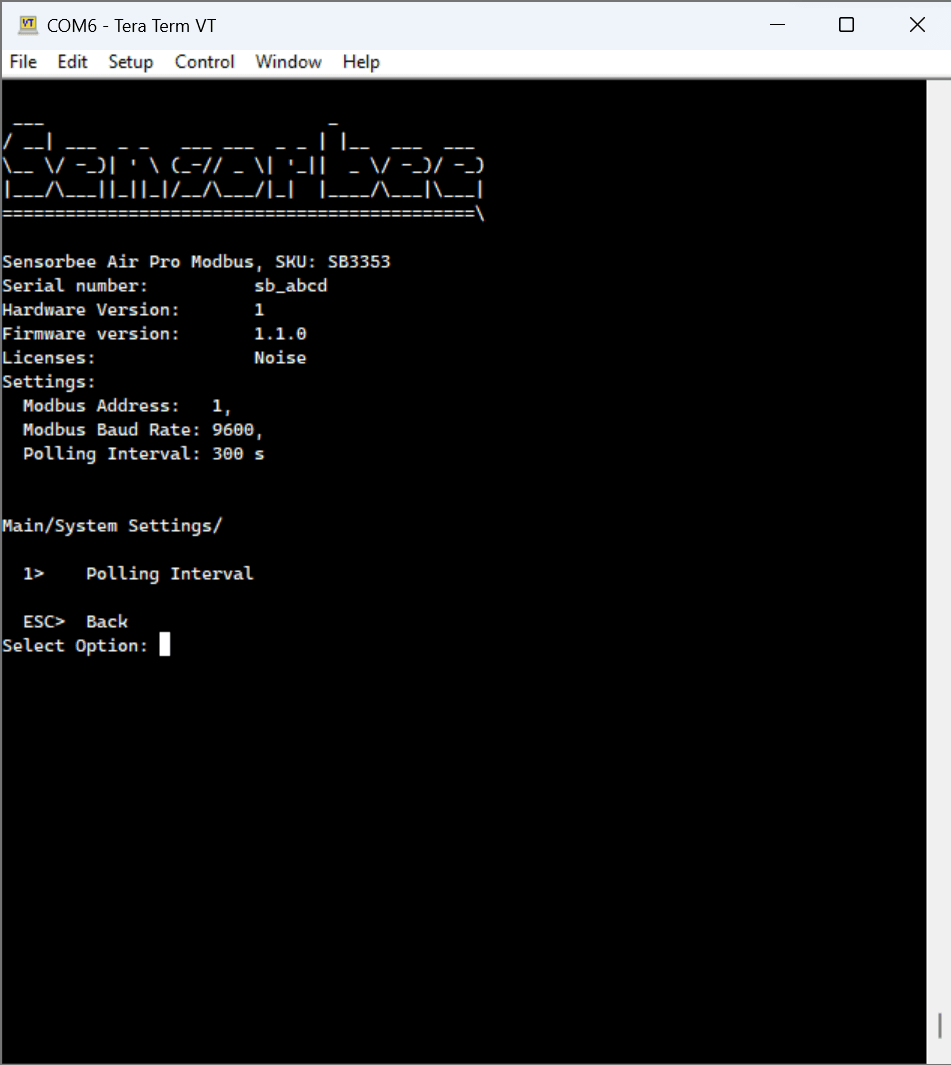
The system settings menu is where the Air Lite's Modbus RTU interface is configured. These are the factory defaults — the Modbus host (PLC, SCADA, or your desktop Modbus tester) must be configured to match.
Factory defaults
| Parameter | Value |
|---|---|
| Type | Modbus RTU Slave |
| Insulation | Insulated or non-insulated (per order) |
| Baud rate | 9600 bit/s |
| Data bits | 8 |
| Parity | None |
| Stop bits | 2 |
| Modbus address | 1 (0x1) |
Changing values
Currently the system settings menu surfaces the polling interval only. Other parameters (baud rate, address, device name) live in the Modbus settings menu. Further system-level controls will be added in future firmware releases.
Parity / stop-bit constraint. If parity is set to None, stop bits must be 2. If parity is Even or Odd, stop bits must be 1. The firmware enforces this because the Modbus specification (2.5.1) requires it.