
Map
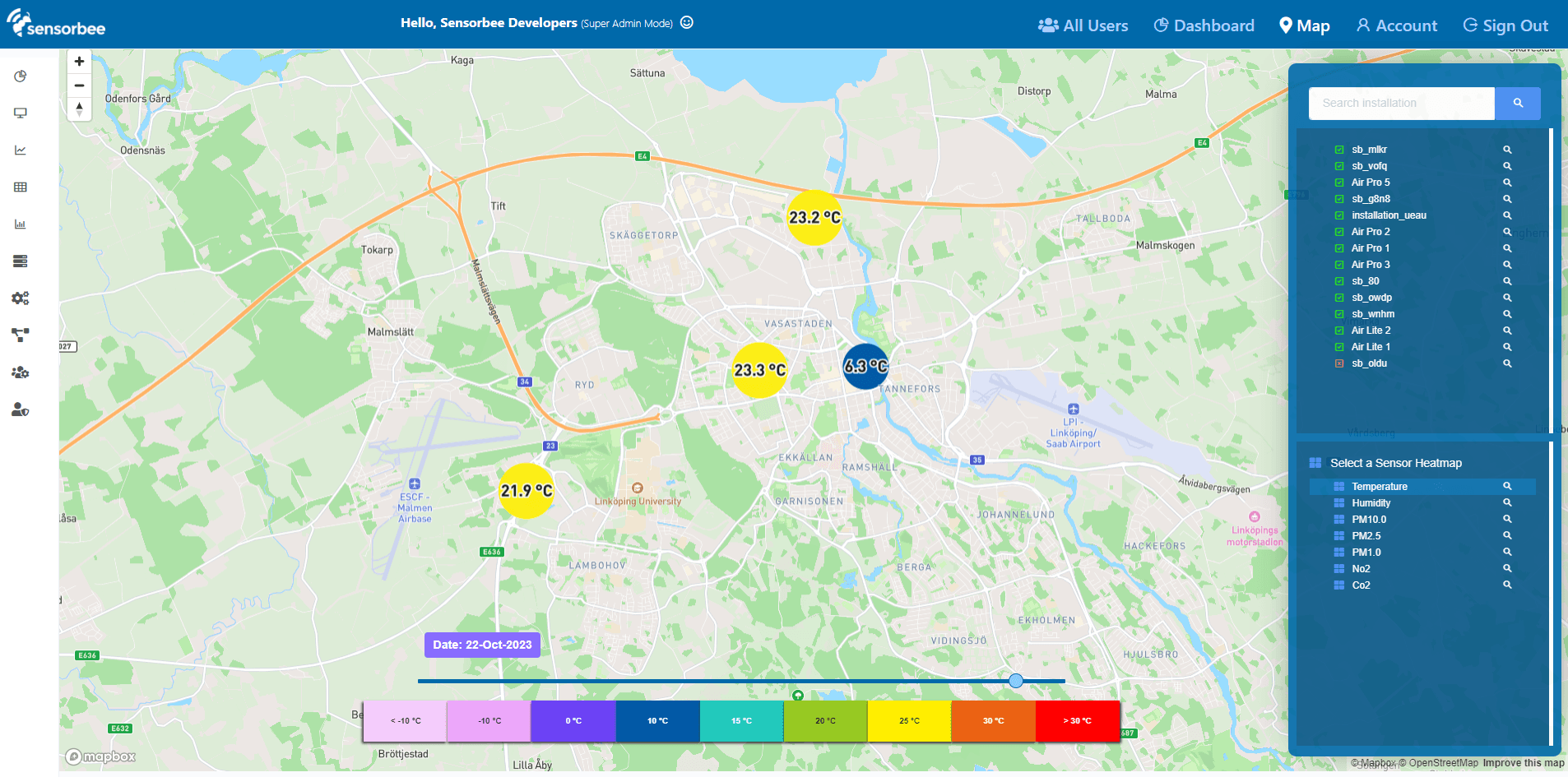
The Map view puts every Sensorbee device in your account on a map. Click any device to see its current readings and a historical graph; switch between heatmap and per-sensor layers to see spatial patterns; drag the time slider to see how readings have changed over the last 30 days.
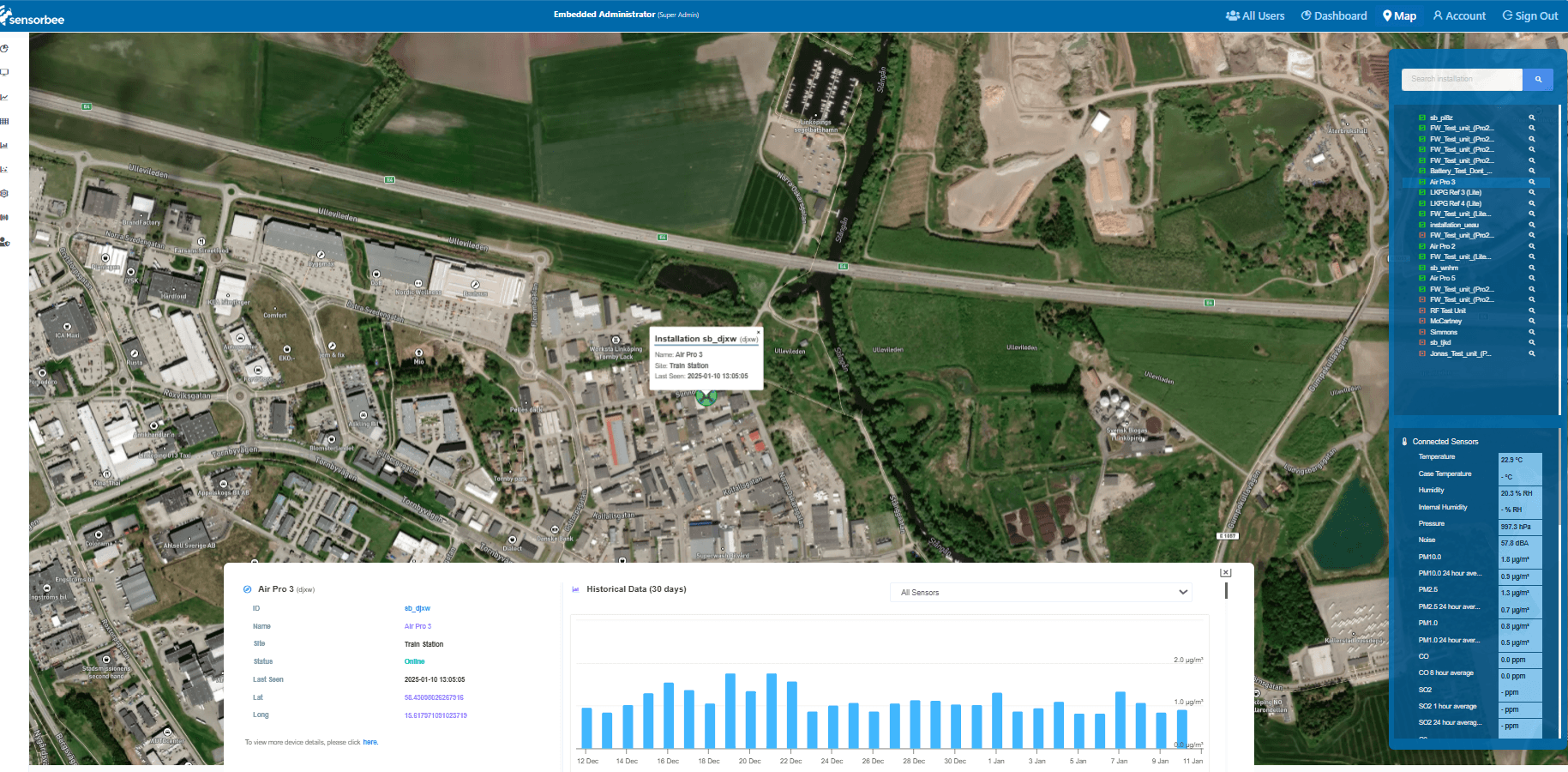
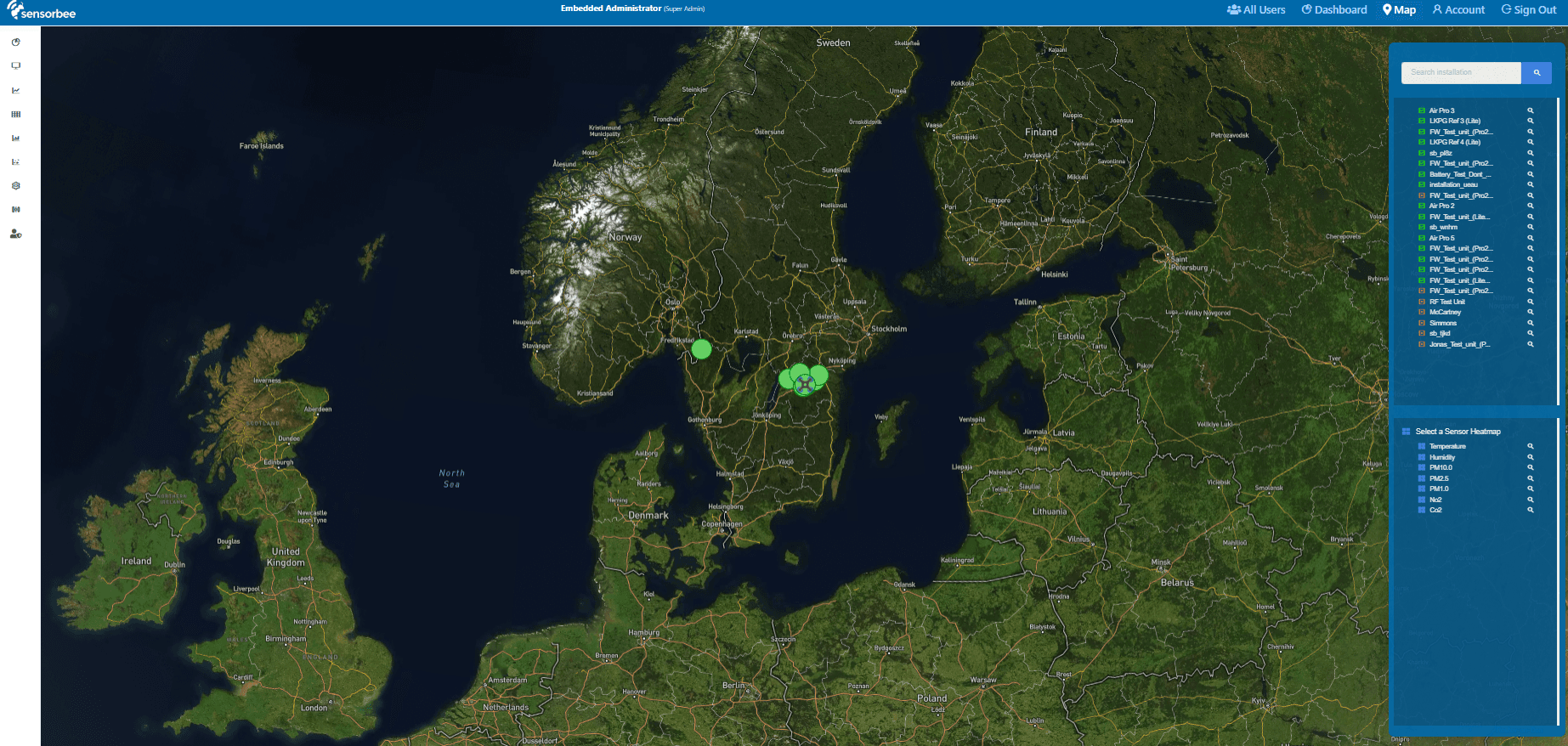
Device list and info
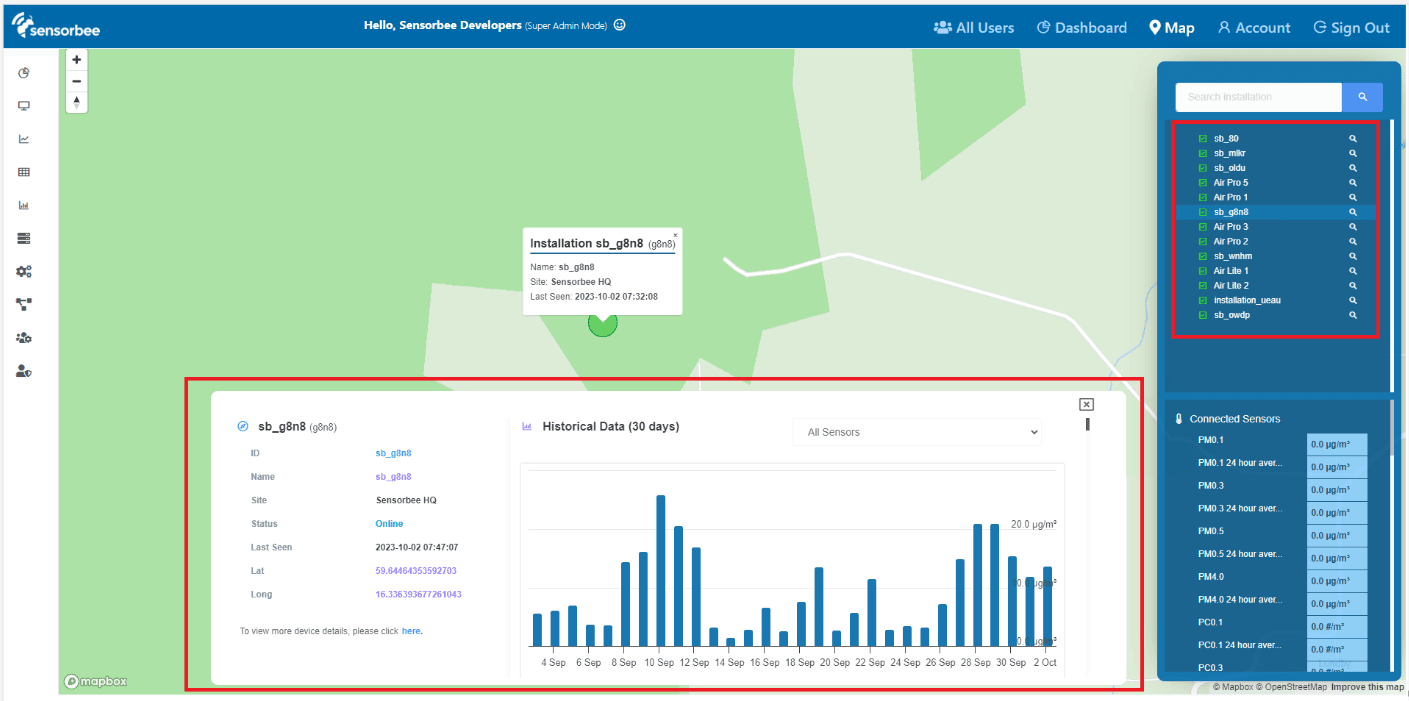
Top-right of the map: searchable list of every installation. Pick one and the map flies to its location (if GPS is available) and opens a popover with device info and a historical graph.
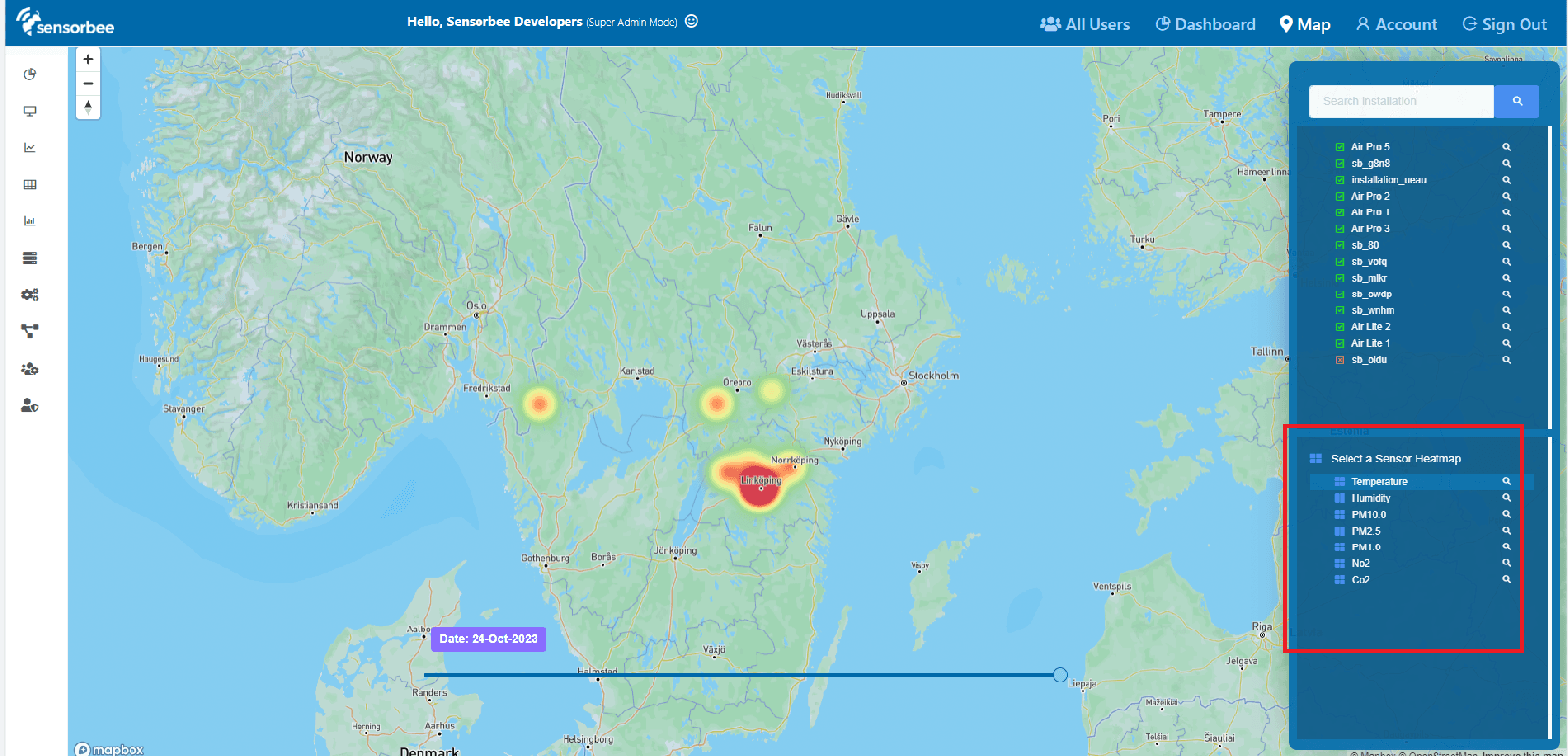
Heatmap
Bottom-right: heatmap layer selector. The heatmap shows daily-averaged sensor readings and data density across the area. Zoom far enough in and the heatmap hands off to individual sensor layers.
Sensor layers
Each device appears as a coloured circle — colour coded by reading against the layer's legend. Every sensor layer has its own legend. Drag the time slider to watch readings change over a 30-day window.
Gas units — ppm or µg/m³
For gas sensor layers, a unit selector switches the map between ppm and µg/m³. Regulatory limit values are usually expressed in µg/m³ while much of the industry works in ppm, so you can read the map in whichever unit your report or client expects — without converting by hand.