
FTP
Every Sensorbee account has its own FTP folder, used for scheduled report generation. The FTP page is where you configure the schedule, the filename format, and which base units the reports cover. Generated files are then waiting for you in the FTP folder.
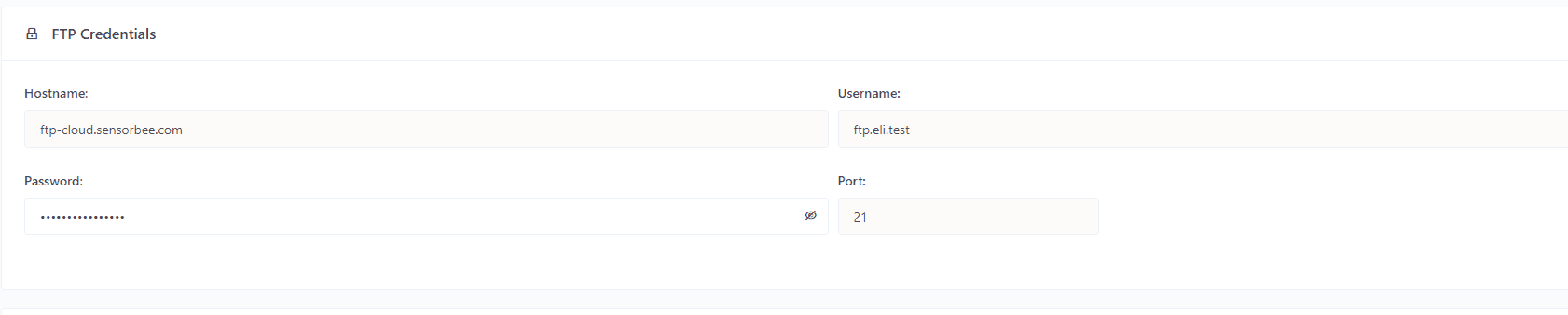
FTP credentials
The credentials needed by your FTP client (FileZilla, WinSCP, etc.):
| Field | Description |
|---|---|
| Hostname | FTP server URL. |
| Username | FTP access username. |
| Password | FTP access password. |
| Port | FTP server port. |

Scheduled reporting
Configure how often reports are generated and the filename format.
Frequency
| Option | When the report runs |
|---|---|
| Every end of day | Midnight, generates the previous day's data. |
| Every end of week | Midnight Sunday, generates the previous week's data. |
| Every end of month | Midnight on the 1st of the month, generates the previous month's data. |
Filename format
Pick from:
- ·
Report_installationId_YYYY-MM-DD-hhmmss-to-YYYY-MM-DD-hhmmss.csv - ·
Report_installationId_YYYYMMDDhhmmss-to-YYYYMMDDhhmmss.csv - ·
Report_installationId_YYMMMDD-hhmmss-to-YYMMMDD-hhmmss.csv
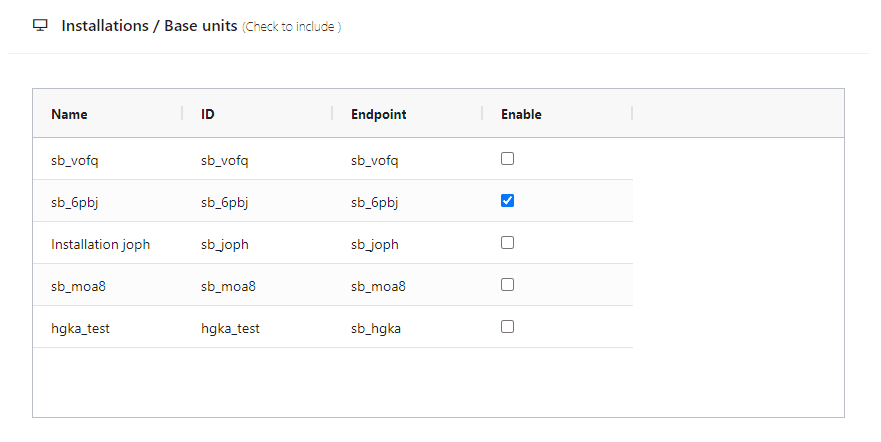
Base units
Tick the base units you want included in the schedule. The generator produces one report per enabled base unit per interval.
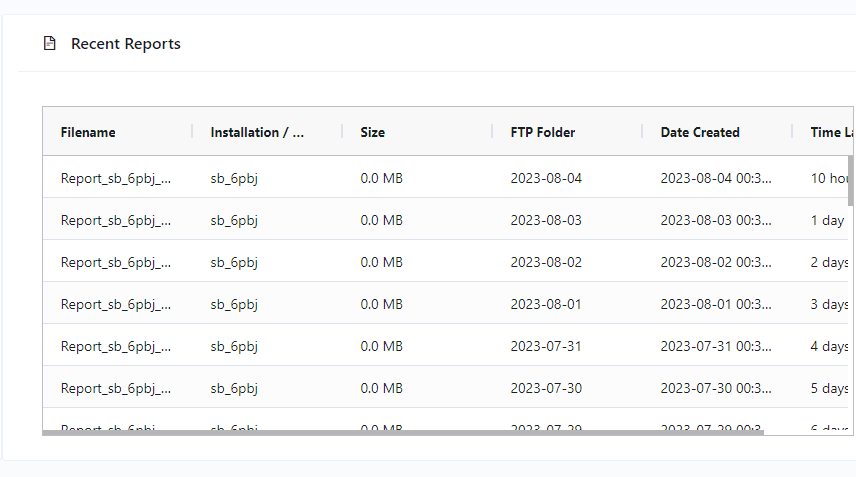
Recent reports
The Recent Reports list shows the most recent files generated into your FTP folder — filename, size, and location — so you can find them quickly.
The reports themselves use the Smart City Template — same layout as the Report page CSV export.