Device Management
Device Management is the operational hub of the Sensorbee Cloud. It lists every device registered to your account, lets you pair new devices, and — for any device — exposes its settings, live sensor values, historical data, health, activity logs, and alert configuration.
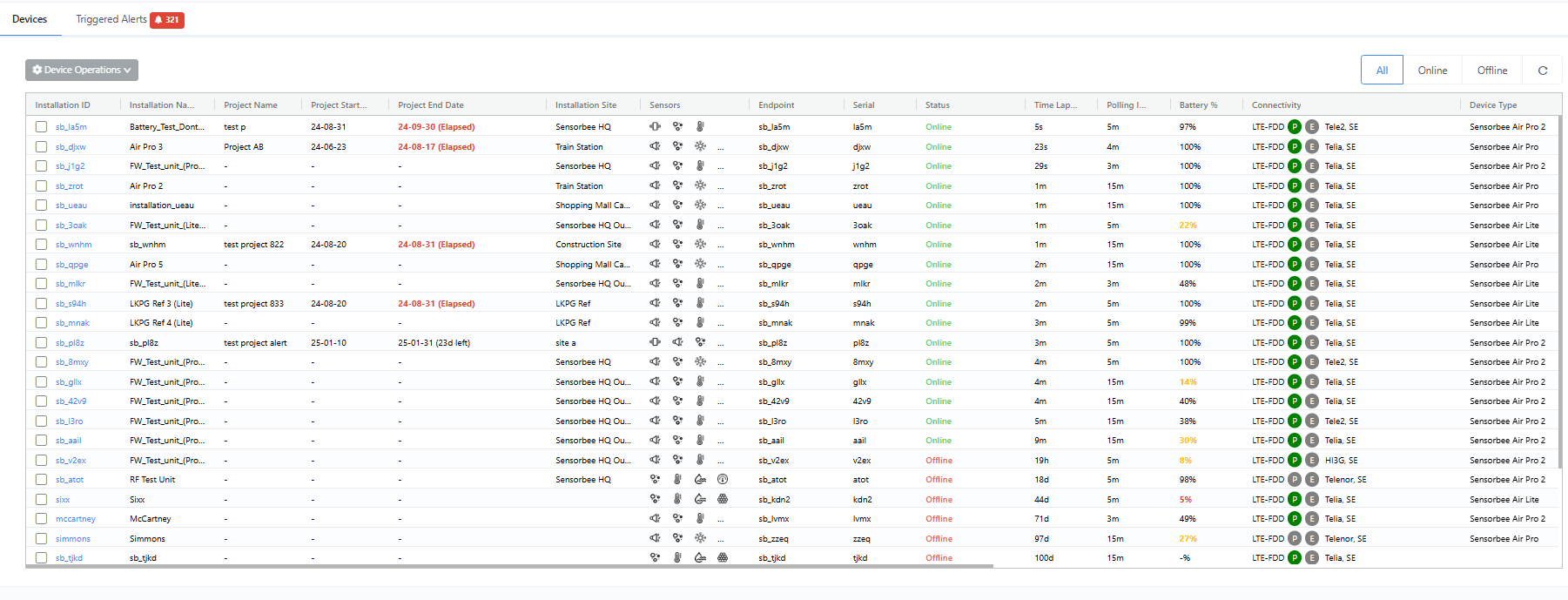
Click any row to open that device's info tab.
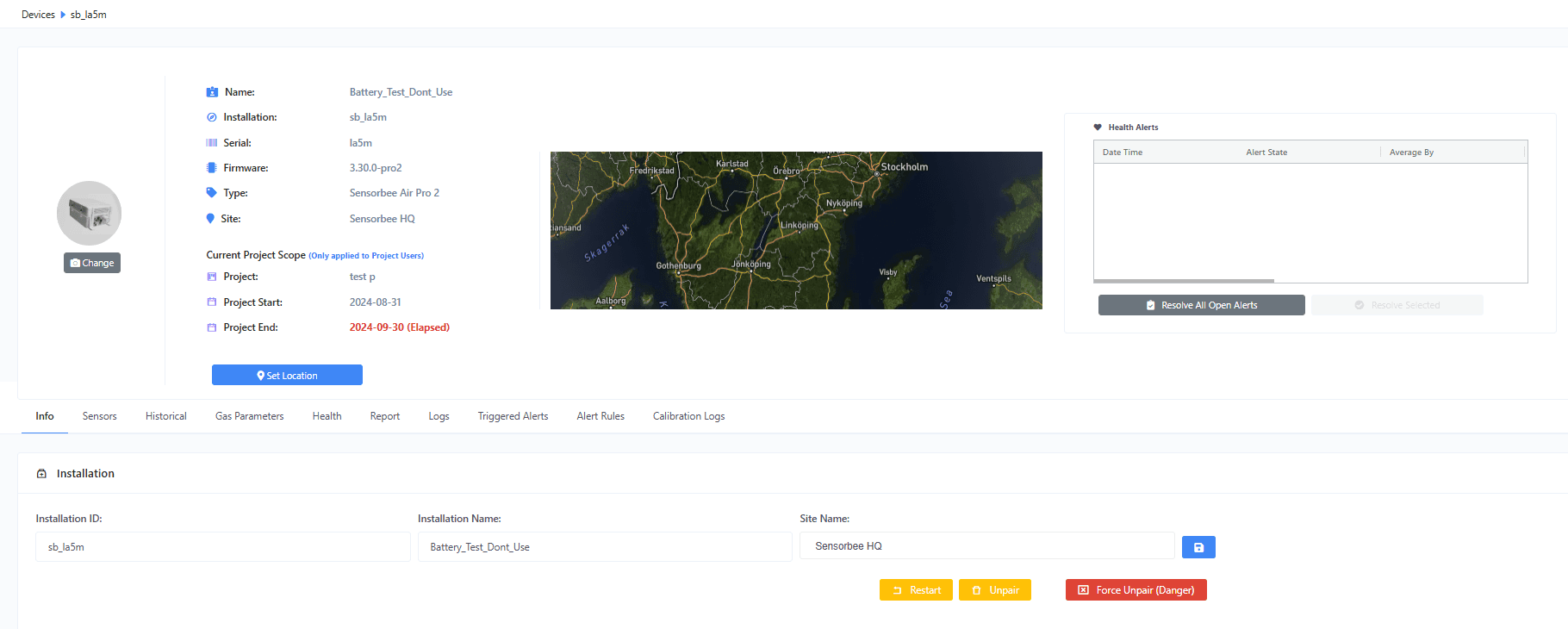
Each device has a set of tabs along the top that drill into more specific views:
- ·Devices — the full device list with pair / search / filter controls.
- ·Info — identity, connectivity, LwM2M details, and per-device settings (polling interval, low-power thresholds, etc.).
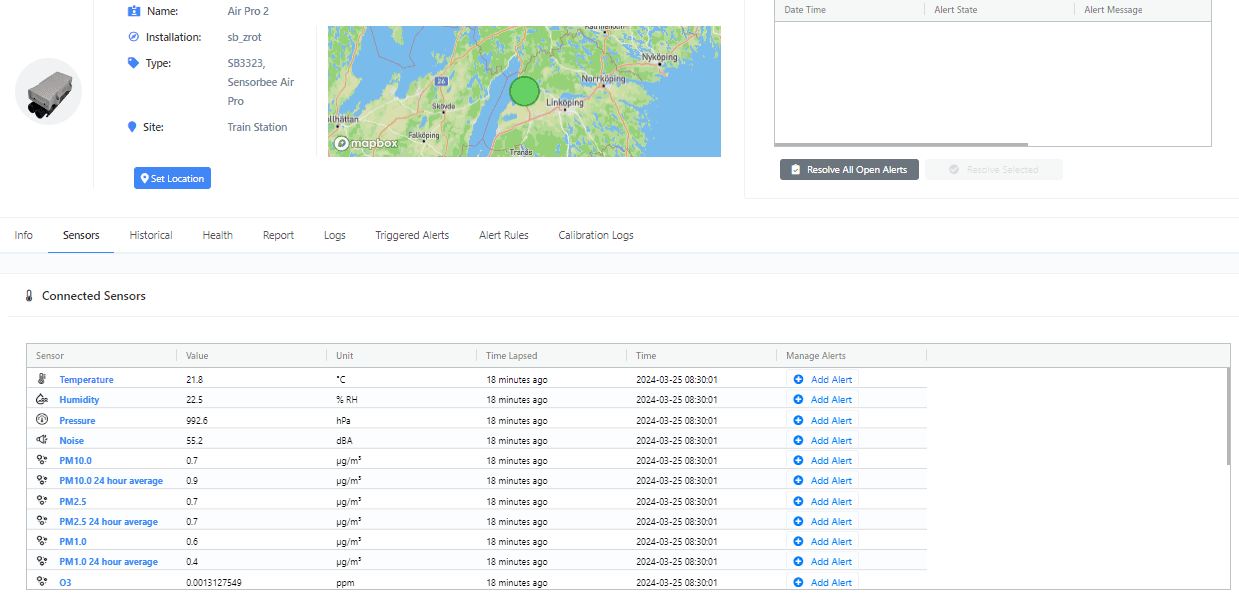
- ·Sensors — connected sensors and their per-sensor settings.
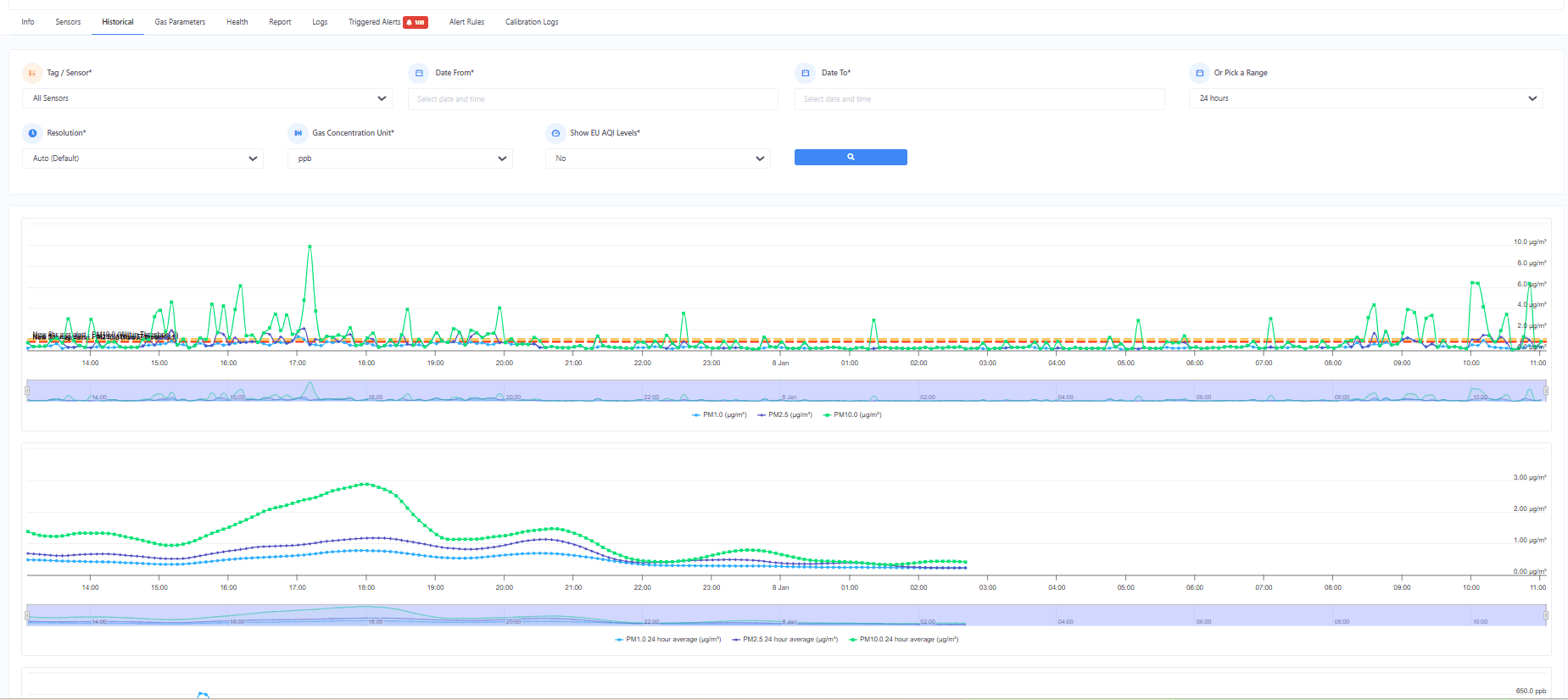
- ·Historical — historical sensor values as charts.
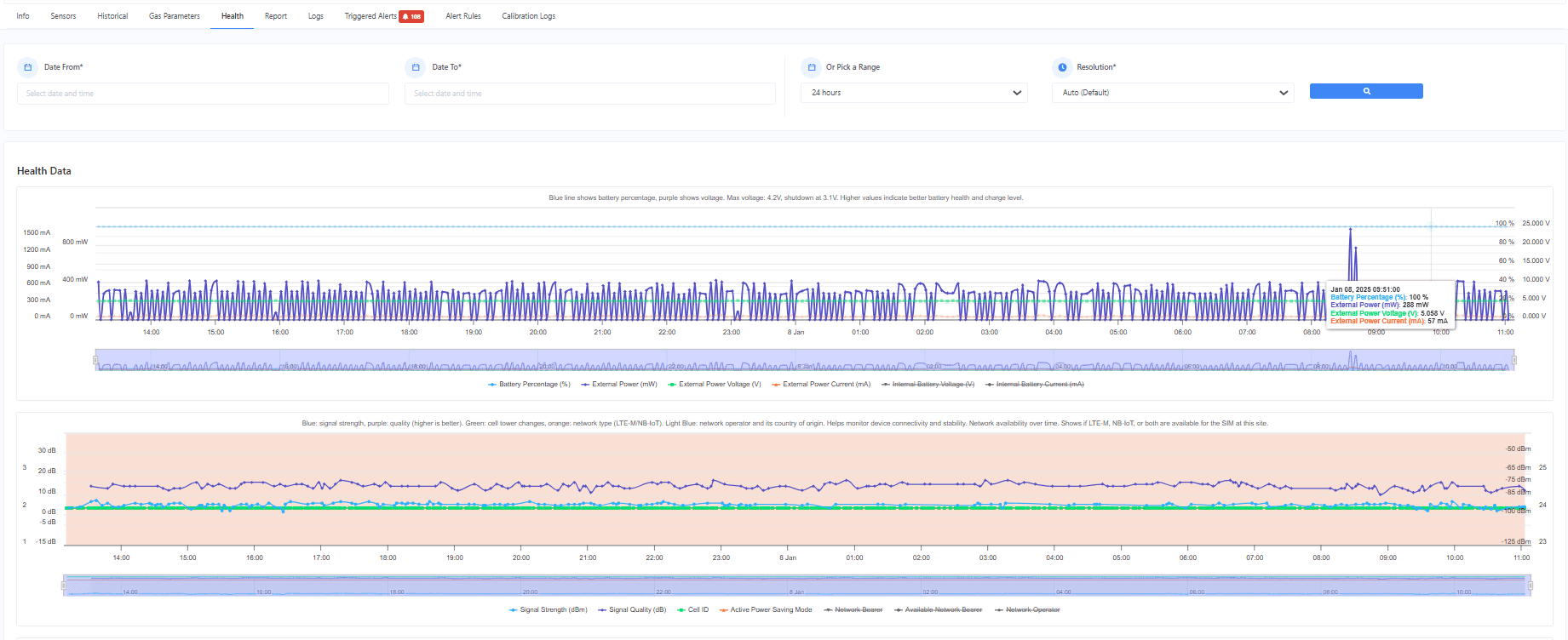
- ·Health — battery, signal strength, power source, SIM usage.
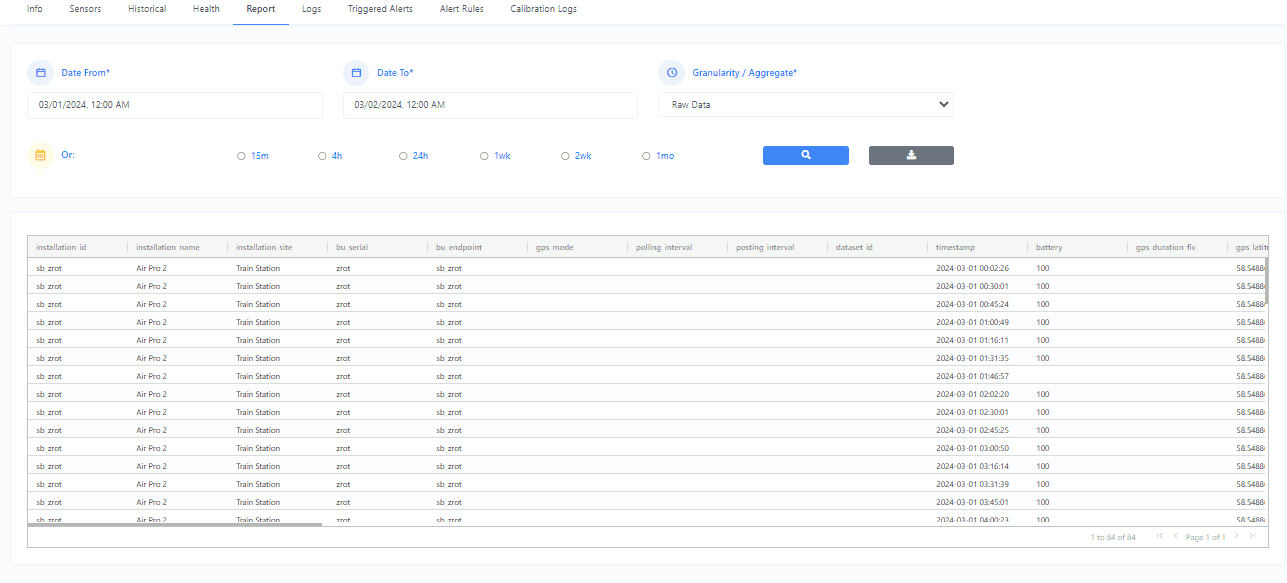
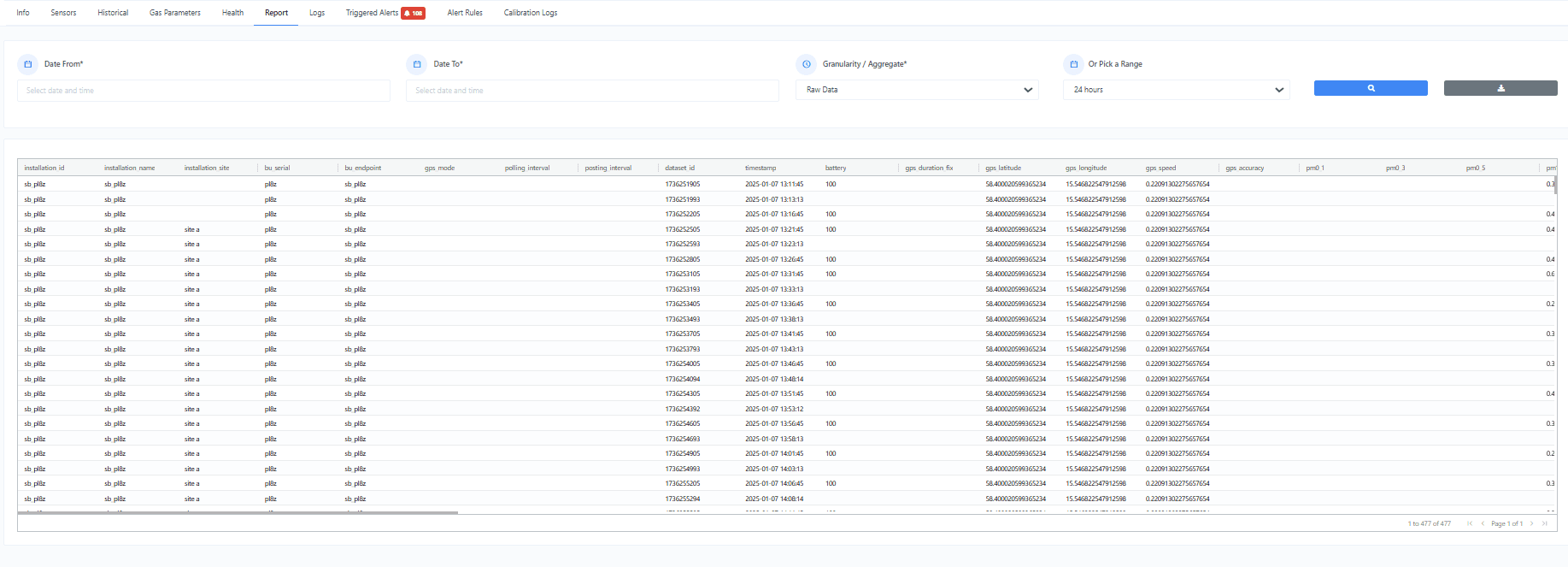
- ·Report — CSV-exportable report in the Smart City template.
- ·Logs — device events and diagnostics.
- ·Triggered Alerts — alert history and resolution.
- ·Alert Rules — configure per-sensor alert criteria.
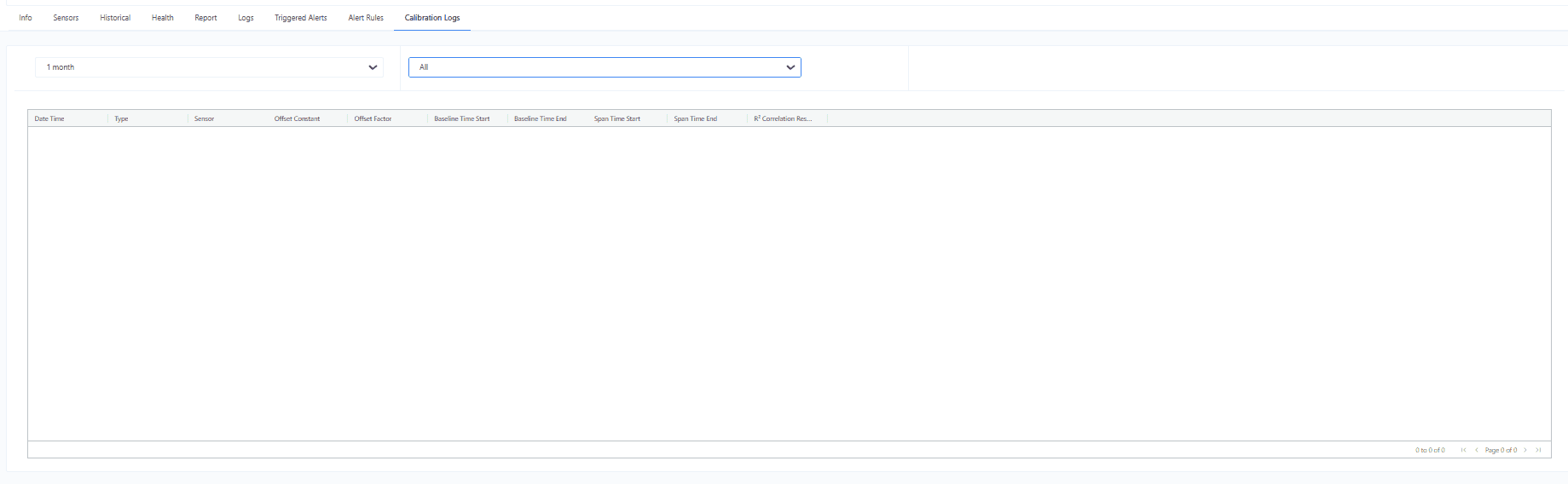
- ·Calibration Logs — audit trail of calibrations applied to the device.
- ·Header — the header banner shown on every device sub-tab.
Related screenshots