Dashboard
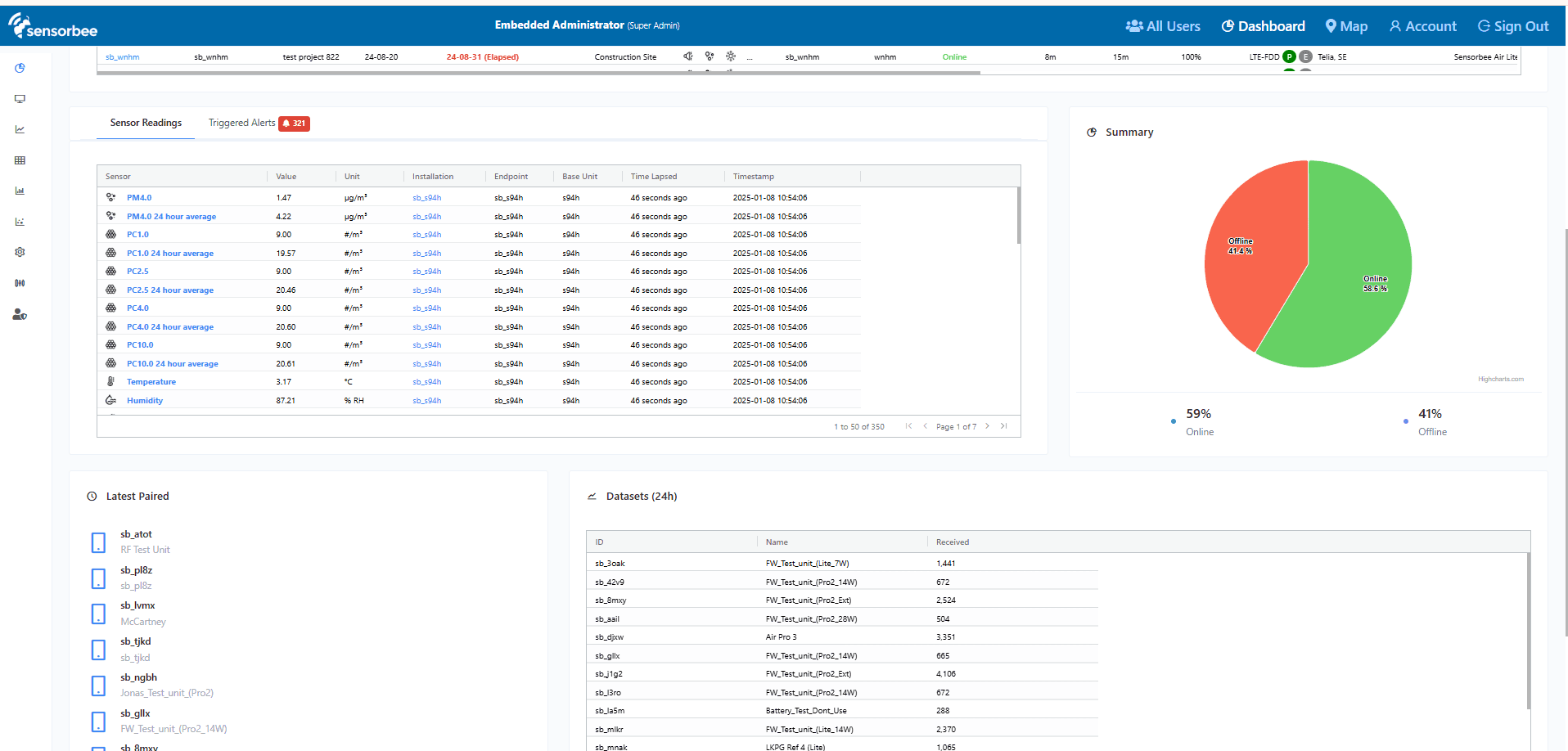
The dashboard is the entry point for the Sensorbee Cloud — a single screen that summarises every device in your account, their current state, and the most recent data they've reported.
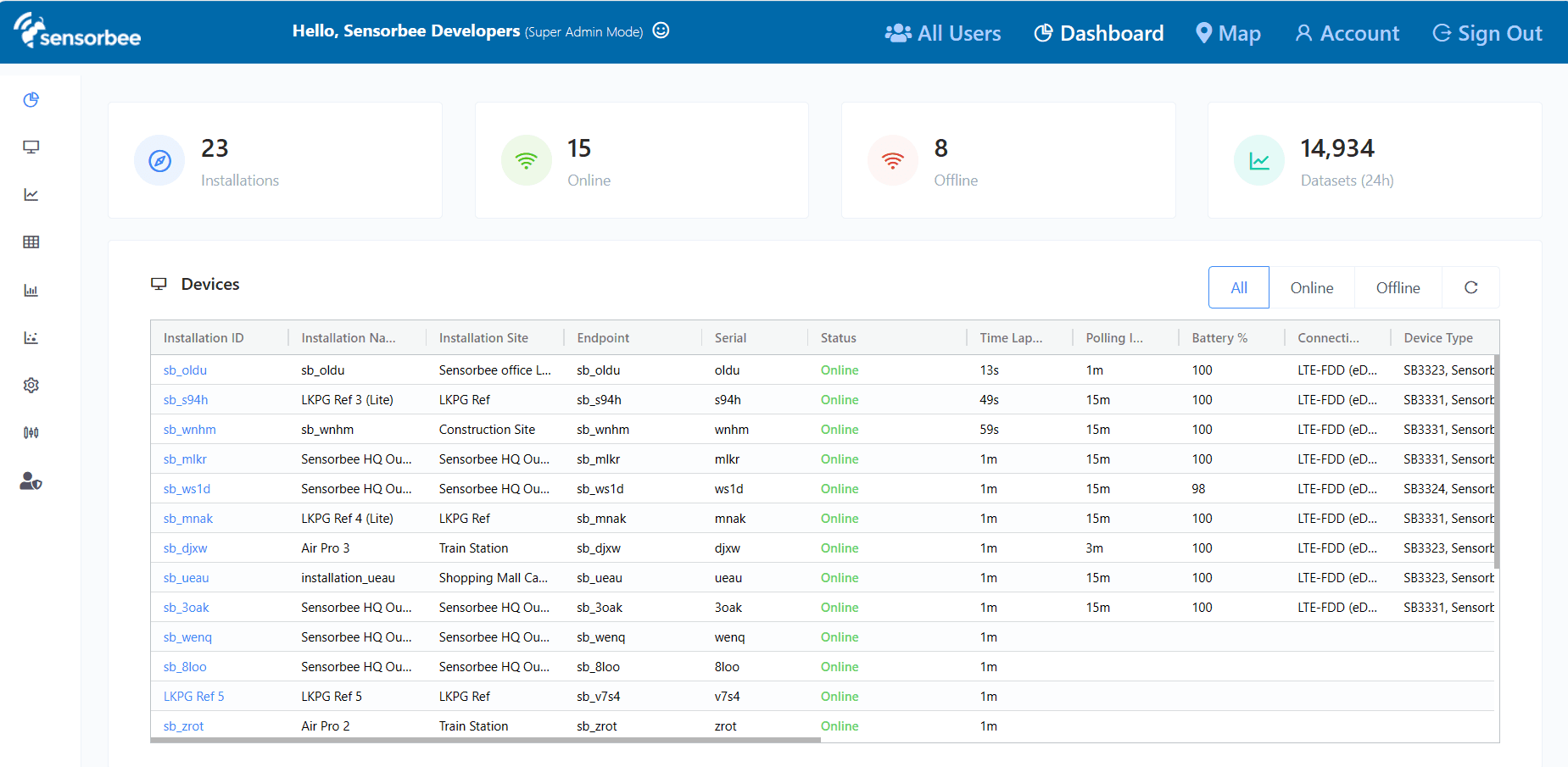
Statistics
Total counts for your account: how many installations are registered, how many are currently online vs offline, and how many datasets were received in the past 24 hours.

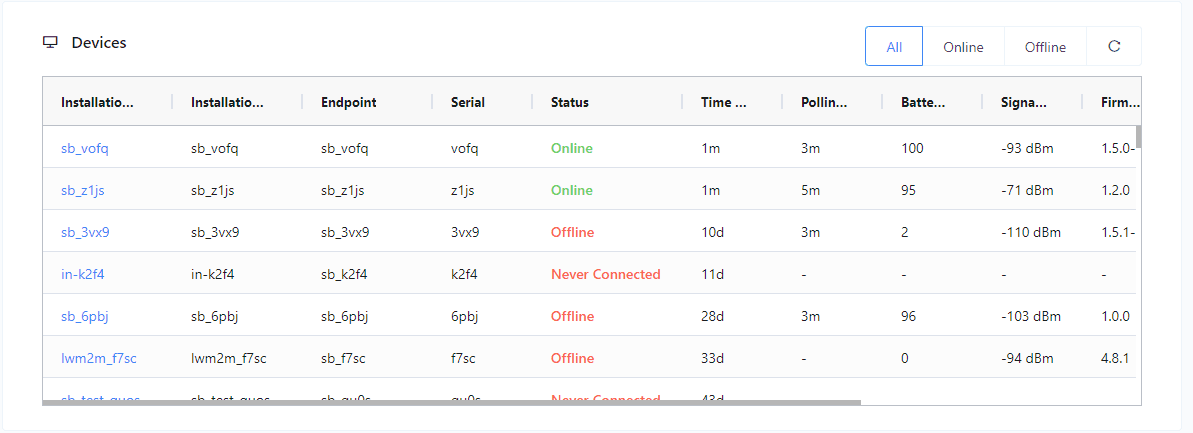
Device list
Every installation registered to your account — status, battery percentage, signal strength, firmware version, and last-seen time. Click the installation ID to open the device information page.
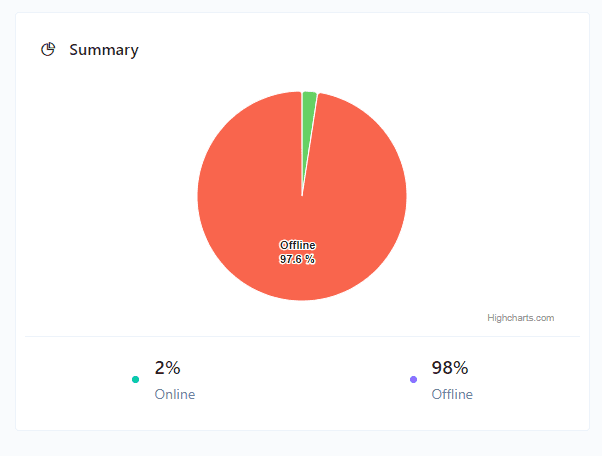
Summary
Pie chart of online vs. offline devices.
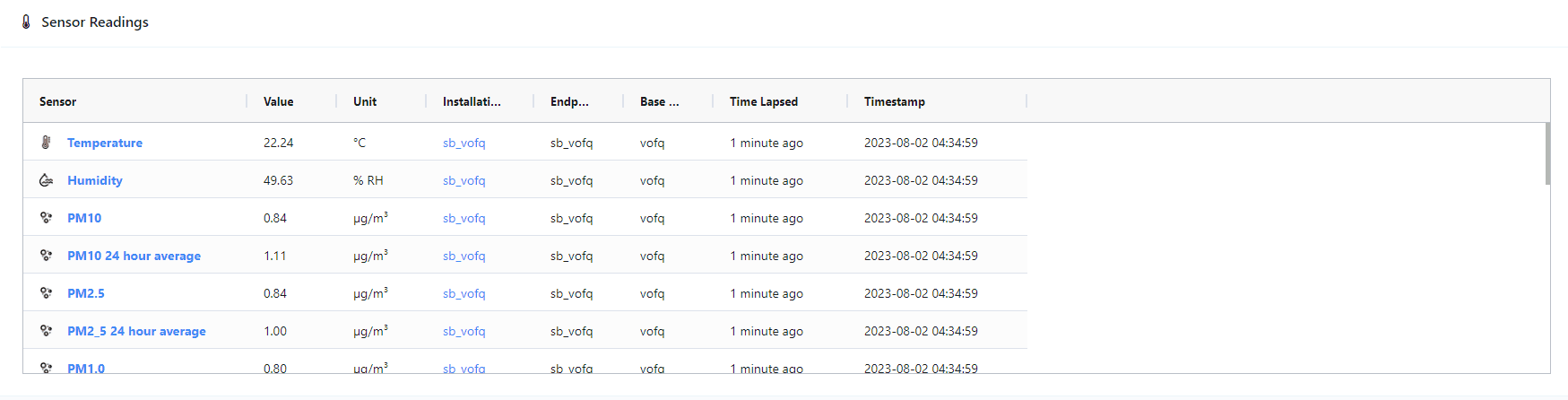
Sensor readings
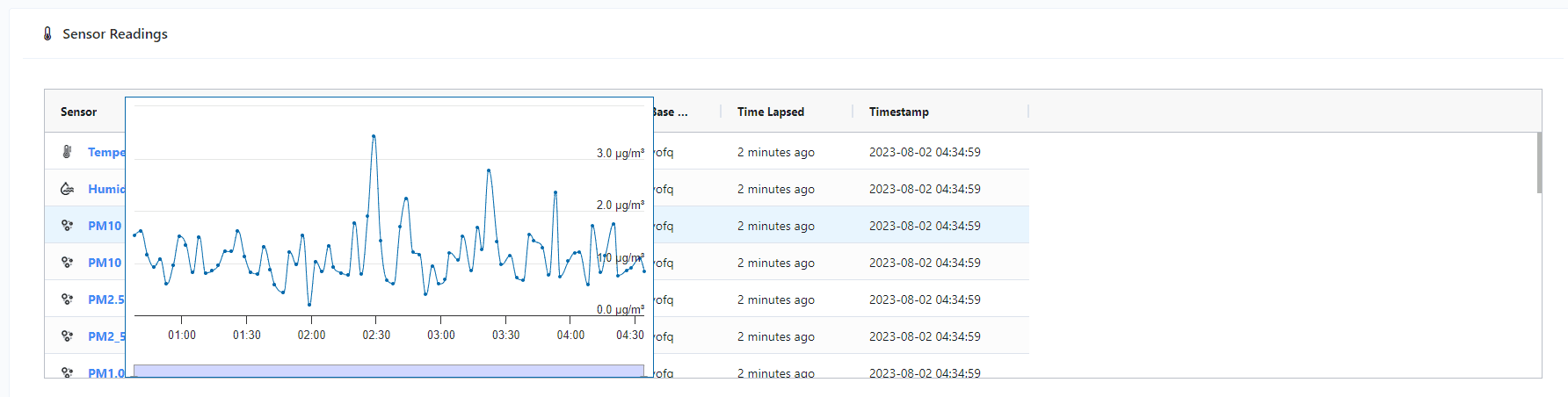
Recent sensor readings across your devices, refreshed every minute. Hover over a sensor name to see a historical mini-chart.
Triggered alerts
Recent, unresolved alerts from any device on the account. You can resolve alerts directly from the dashboard to take them out of view.
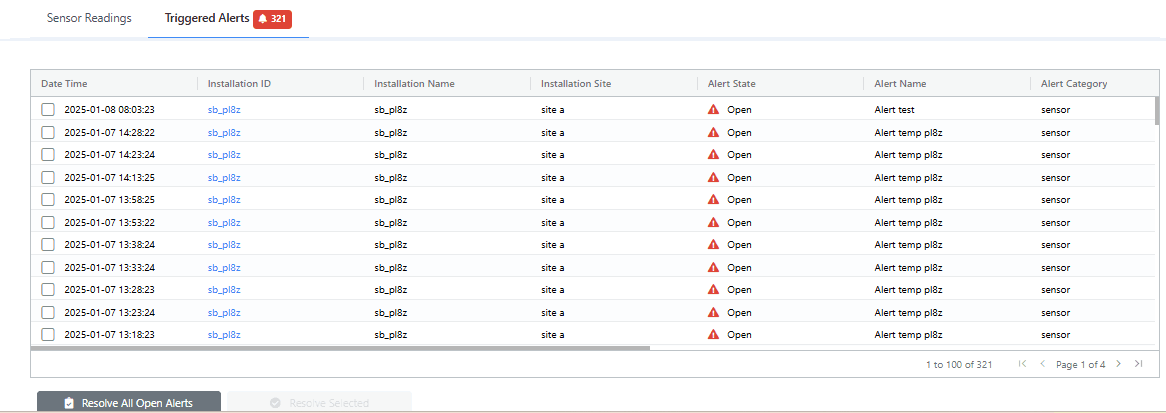
See Triggered Alerts for the full alert history and for resolving/unresolving in bulk.
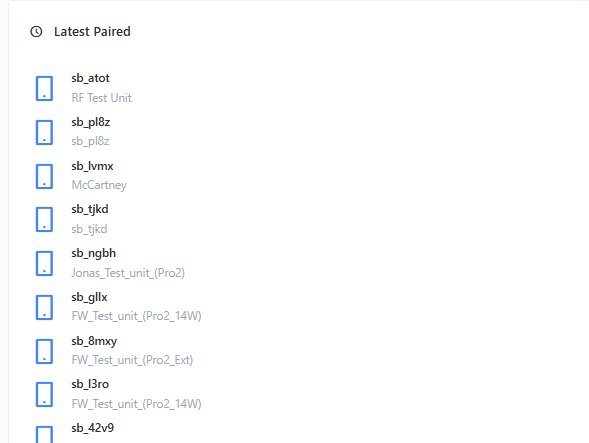
Latest paired
The five most recently paired units. Click a name to jump to its device information page.
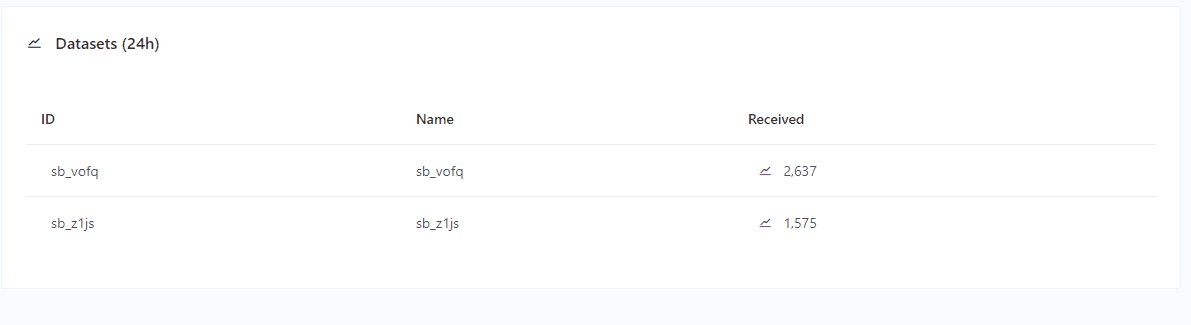
Datasets (24 h)
Dataset counts per device over the past 24 hours. Only devices that reported at least once in that window appear here.