
Sensorbee Air Pairing Process
Cette page n'est pas encore disponible en français. La version anglaise est affichée.
Every Sensorbee Air unit must be paired with an LwM2M server before it starts reporting data. Pairing happens via LwM2M bootstrapping — the unit contacts a bootstrap server, authenticates, and is handed the credentials it needs to talk to its long-term LwM2M server over DTLS.
Once bootstrapped, the unit has everything it needs for secure device-to-platform communication and can be deployed.
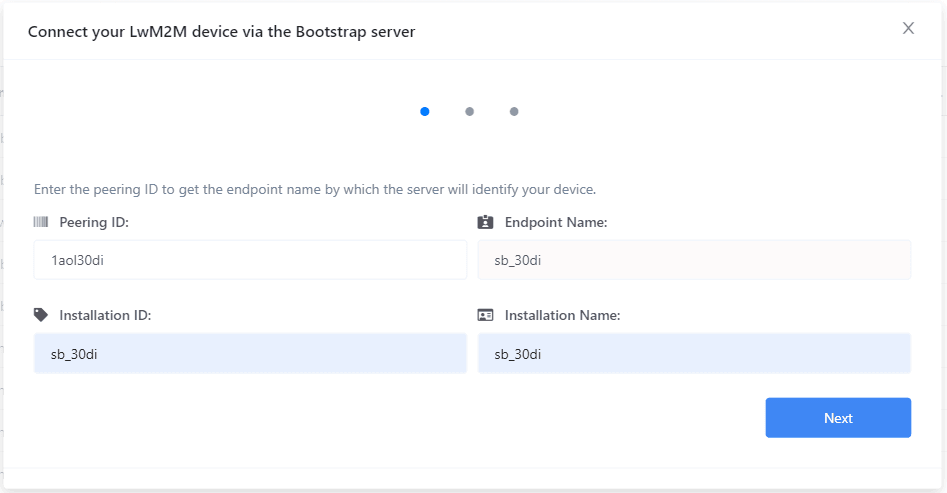
Two bootstrap options
- ·Sensorbee — bootstraps the unit to the Sensorbee-hosted LwM2M server. Requires a Sensorbee Cloud account. Once paired, the unit reports into your cloud dashboard and is manageable through the portal.
- ·External — bootstraps the unit to a customer-owned LwM2M server. Does not require a Sensorbee Cloud account. The unit will not be visible in the Sensorbee portal — choose this path only if you're running your own LwM2M stack (for example ThingsBoard or AvSystem) and want the hardware without the Sensorbee platform.