
Sensorbee Air Pairing Process
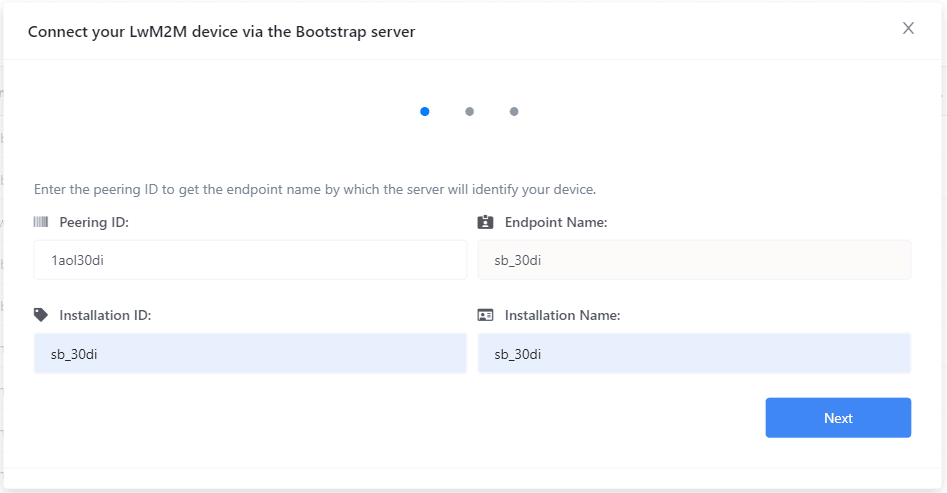
Every Sensorbee Air unit must be paired with an LwM2M server before it starts reporting data. Pairing happens via LwM2M bootstrapping — the unit contacts a bootstrap server, authenticates, and is handed the credentials it needs to talk to its long-term LwM2M server over DTLS.
Once bootstrapped, the unit has everything it needs for secure device-to-platform communication and can be deployed.
Two bootstrap options
- ·Sensorbee — bootstraps the unit to the Sensorbee-hosted LwM2M server. Requires a Sensorbee Cloud account. Once paired, the unit reports into your cloud dashboard and is manageable through the portal.
- ·External — bootstraps the unit to a customer-owned LwM2M server. Does not require a Sensorbee Cloud account. The unit will not be visible in the Sensorbee portal — choose this path only if you're running your own LwM2M stack (for example ThingsBoard or AvSystem) and want the hardware without the Sensorbee platform.