
Polling Interval Menu
On the Modbus Lite, the polling interval determines how often the unit reads its connected sensors and refreshes the values held in its Modbus input registers. Modbus masters can read the registers at any rate; the polling interval just controls how often the underlying sensor values are updated.
Changing the polling interval
From the main menu, press 1 to open the polling interval menu.
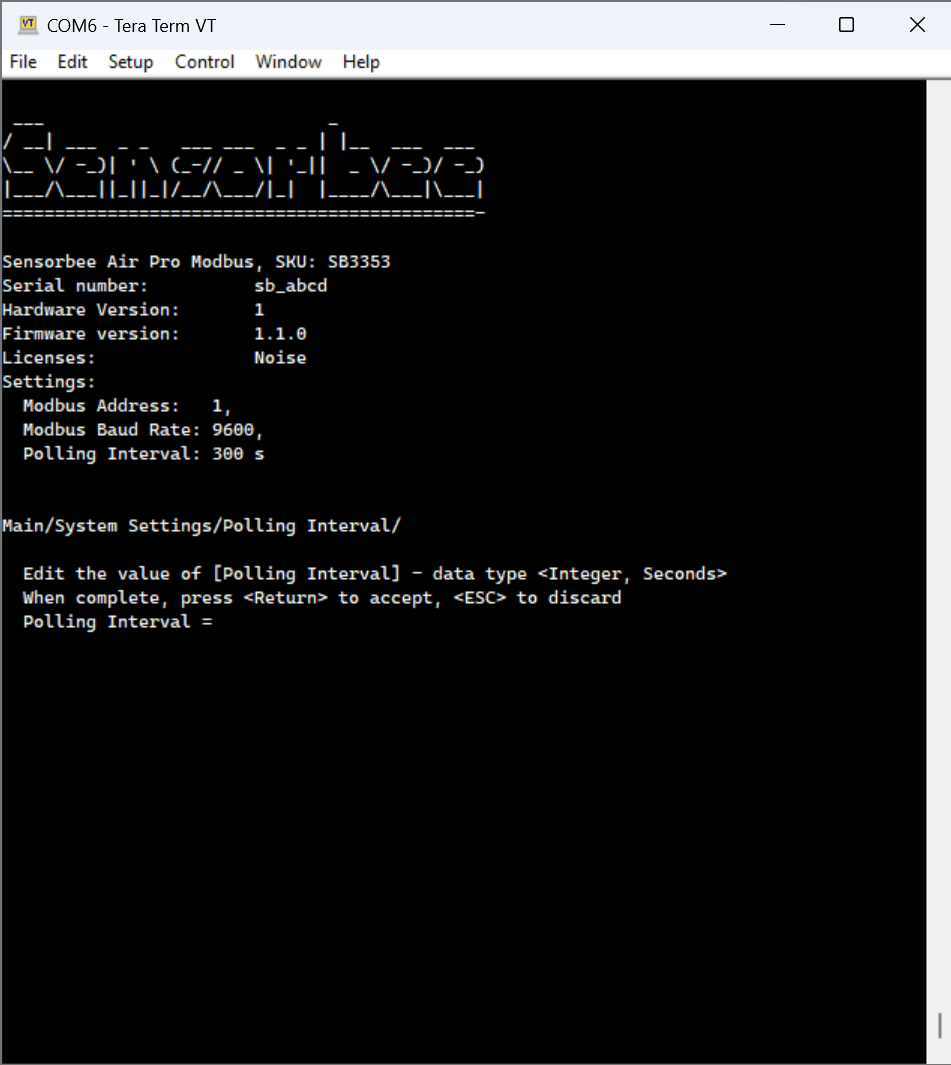
- Enter the desired polling interval in seconds.
- Press Enter to confirm.
Press Esc at any time to cancel without saving.
Preheat times. Some sensors need longer preheat before they produce a stable value. After power-on it can take up to a minute for the unit to settle on a final effective polling duration.Invalid values are snapped to the nearest valid rate. The menu doesn't currently reject out-of-range values outright — instead the unit rounds to the nearest supported interval when saving.