Historical
The Historical tab shows every value the device's sensors have reported over a chosen time range. Use it to spot trends, investigate incidents, and verify that sensors are reporting plausibly.
For historical data across all devices at once, use the account-wide Historical Data page instead.
Filters

| Filter | Description |
|---|---|
| Tag / Sensors | Pick one sensor or all sensors. |
| Date From / Date To | Datetime pickers for a custom range. |
| Range Picker | Quick-pick common ranges (last hour, last day, last week, etc.). |
| Resolution | Data granularity — how finely data is sampled or aggregated. Higher resolution = more detail, more data. |
| Show EU AQI Levels | Overlay the European Air Quality Index bands on the chart, colour-coded by standard EU thresholds for PM2.5, PM10, NO₂, O₃, CO, and SO₂. |
Chart types
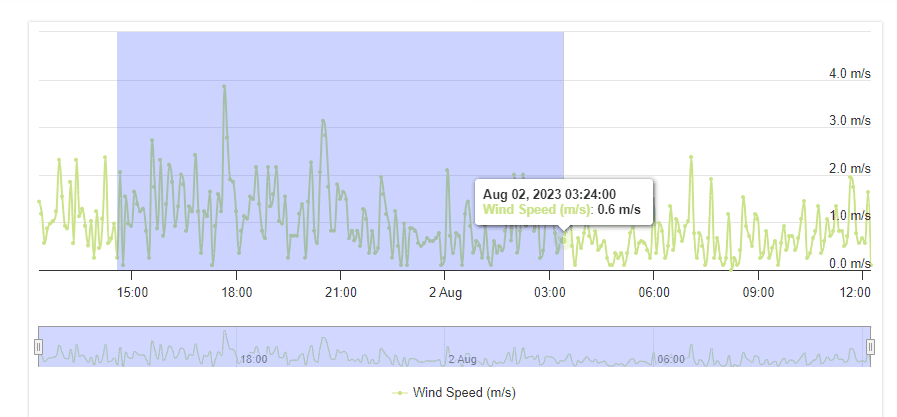
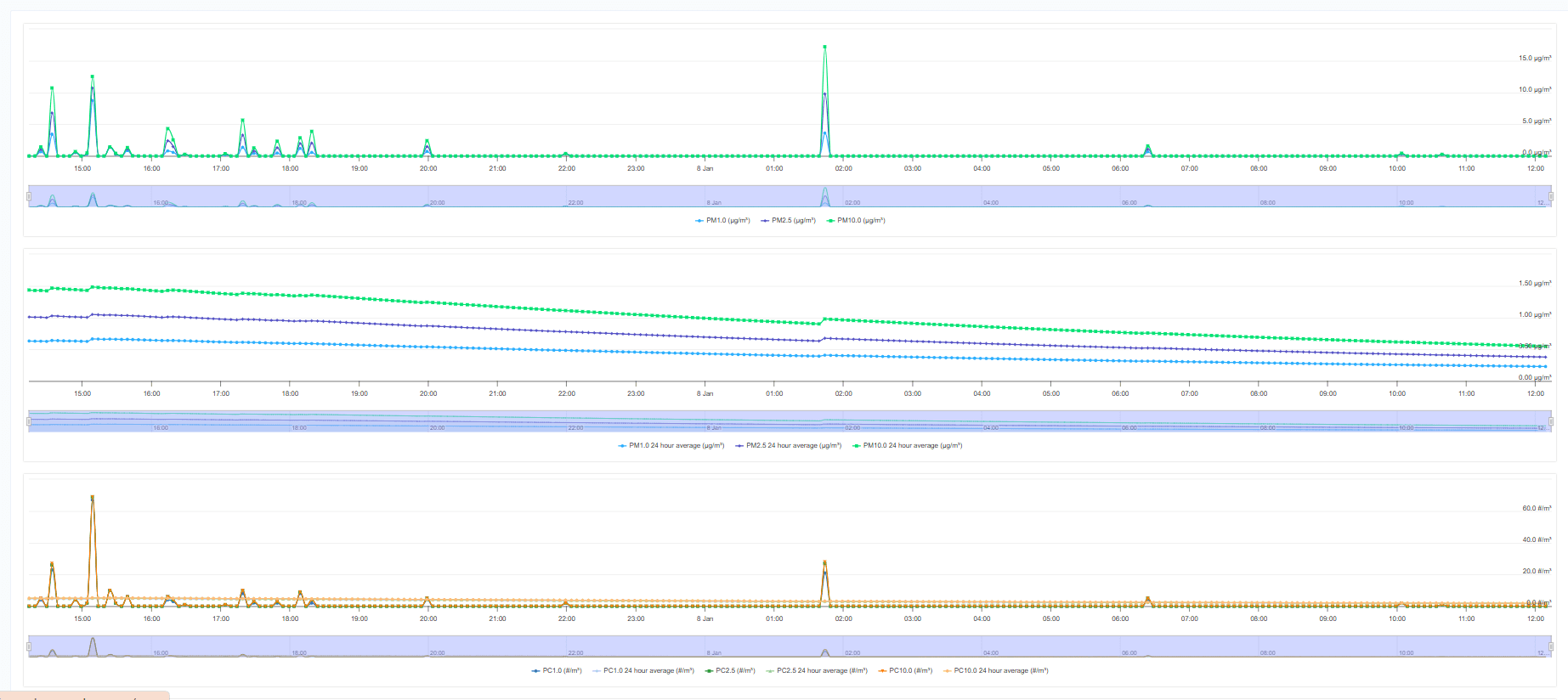
Most sensors render as a time-series line chart:
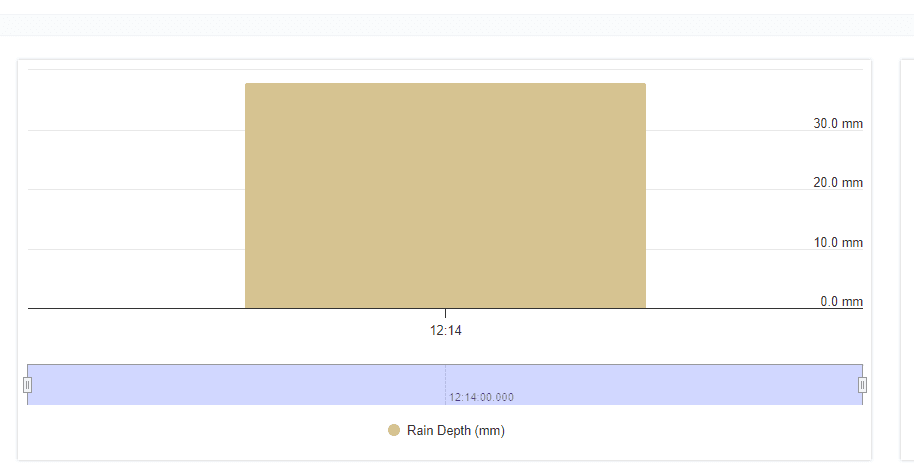
Rain is shown as an accumulated bar chart:
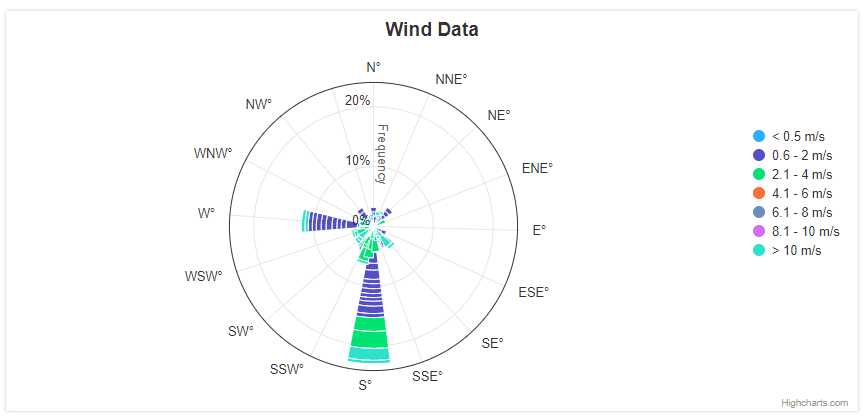
Wind direction is shown as a wind rose:
Zoom
The chart navigator lets you zoom into a range:
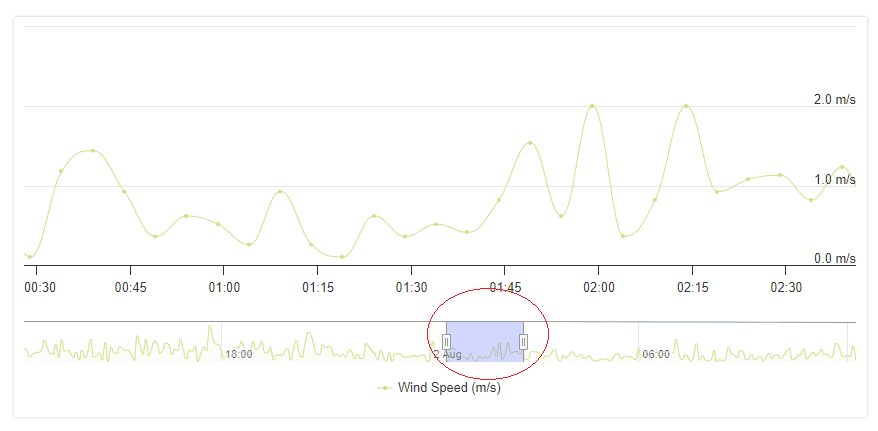
Or click-drag directly on the chart to zoom into a selection: