Particle Sensor
The particle sensor measures particulate matter (PM) in the air using laser-based optical detection. Different particle sizes are reported individually so the data can drive PM2.5, PM10, and other compliance-related metrics.
Pro series (Air Pro 2, Modbus Pro)
In the Pro-series units the particle sensor sits inside the SB3516 front-end module, which also houses the temperature, humidity, pressure, and noise sensors.
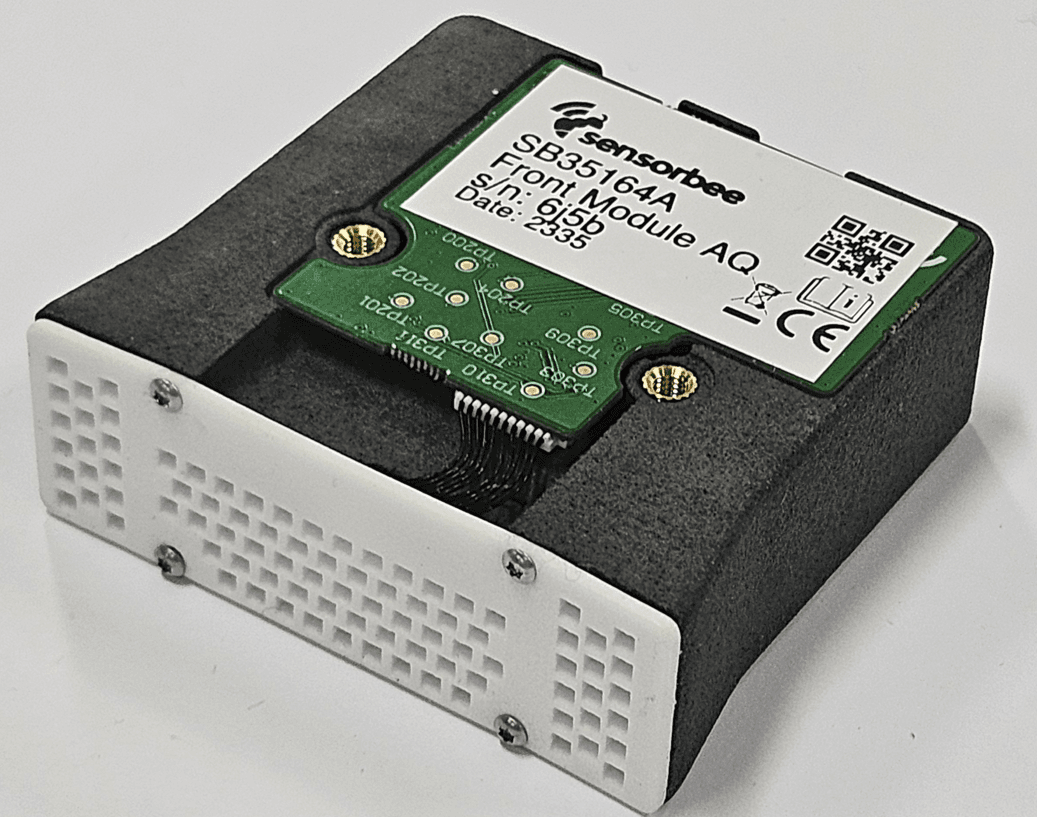
For full specifications, see the SB3516 datasheet.
Lite series (Air Lite)
The Lite-series units use the same particle sensor as the Pro series. The temperature, humidity, and noise sensors live separately in an external sensor dome (the SB3380).
The particle sensor performance section of the SB3516 datasheet applies to both Pro and Lite.
A note on PM10 and PM4 measurements
Low-cost laser particle sensors — including the SPS30 used in Sensorbee units — have an inherent limitation around larger particle sizes. The number-density of PM10 in typical aerosols is too low to be measured directly by a low-sample-volume sensor. From Sensirion's specification statement:
"One of the limiting aspects of today's laser-based particulate matter sensors is their limited detection rate with respect to the actual sampling volume. […] The number count density of the PM10 fraction of typical aerosols is extremely low; therefore, PM10 cannot be measured directly by low-cost PM sensors. […] Therefore, the PM4.0 and PM10 outputs of Sensirion's PM sensors are estimated from PM0.5, PM1.0, and PM2.5 measurements considering typical aerosol profiles instead of being based on 'real' raw data events from large particles."
In practice this means the PM4 and PM10 values reported are statistical estimates derived from the smaller-particle measurements, not raw counts. Users targeting compliance reporting on PM10 specifically should be aware of this and interpret accordingly — the units are well-suited to indicative monitoring under MCERTS but reference-grade PM10 data requires a co-located reference instrument.
Installation
Power down the unit before opening it. For Air Pro 2 / Air Lite, hold the power button for 4 seconds — wait for the LED to glow red for about 30 seconds and then turn off. For Modbus units, disconnect incoming power at the terminal block.
Pro series — replacing the SB3516 module
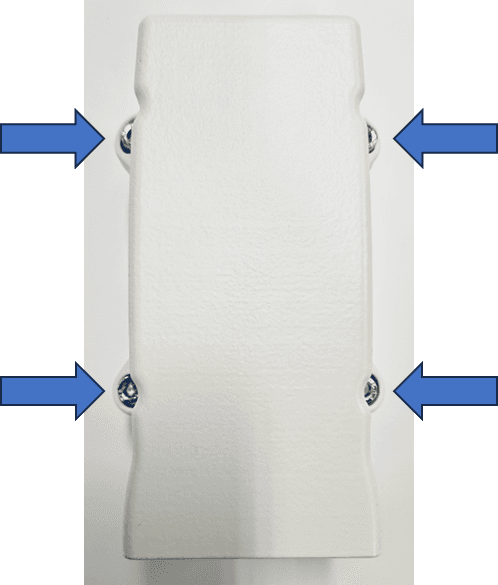
1. Open the sensor houseUse a PH2 Phillips screwdriver to undo the sensor-house screws.
Place the sensor house upside-down next to the base, without disconnecting the cable between them.
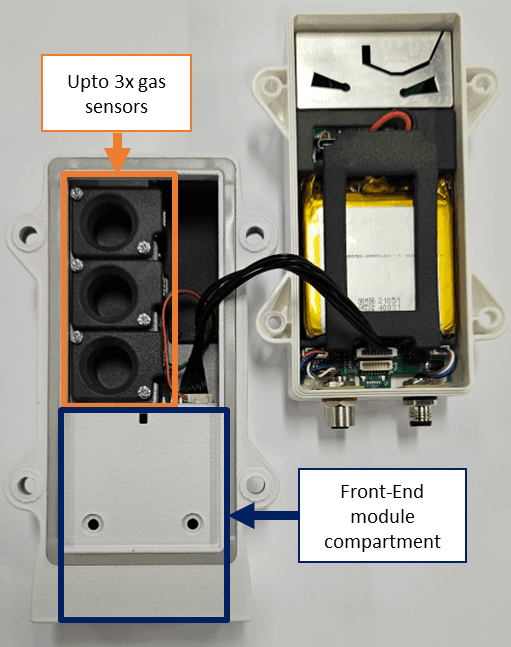
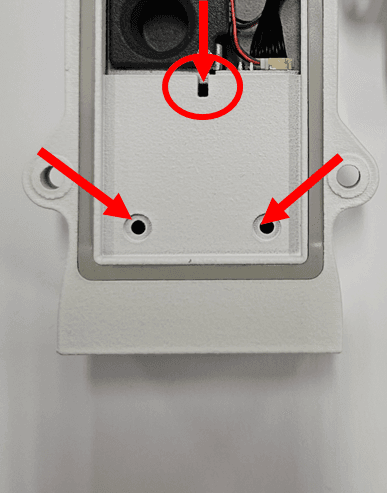
Undo the two small Phillips-head screws that secure the SB3516. Use a slim probe or small flat-head screwdriver to gently push the module out through the small hole on the back, as shown.
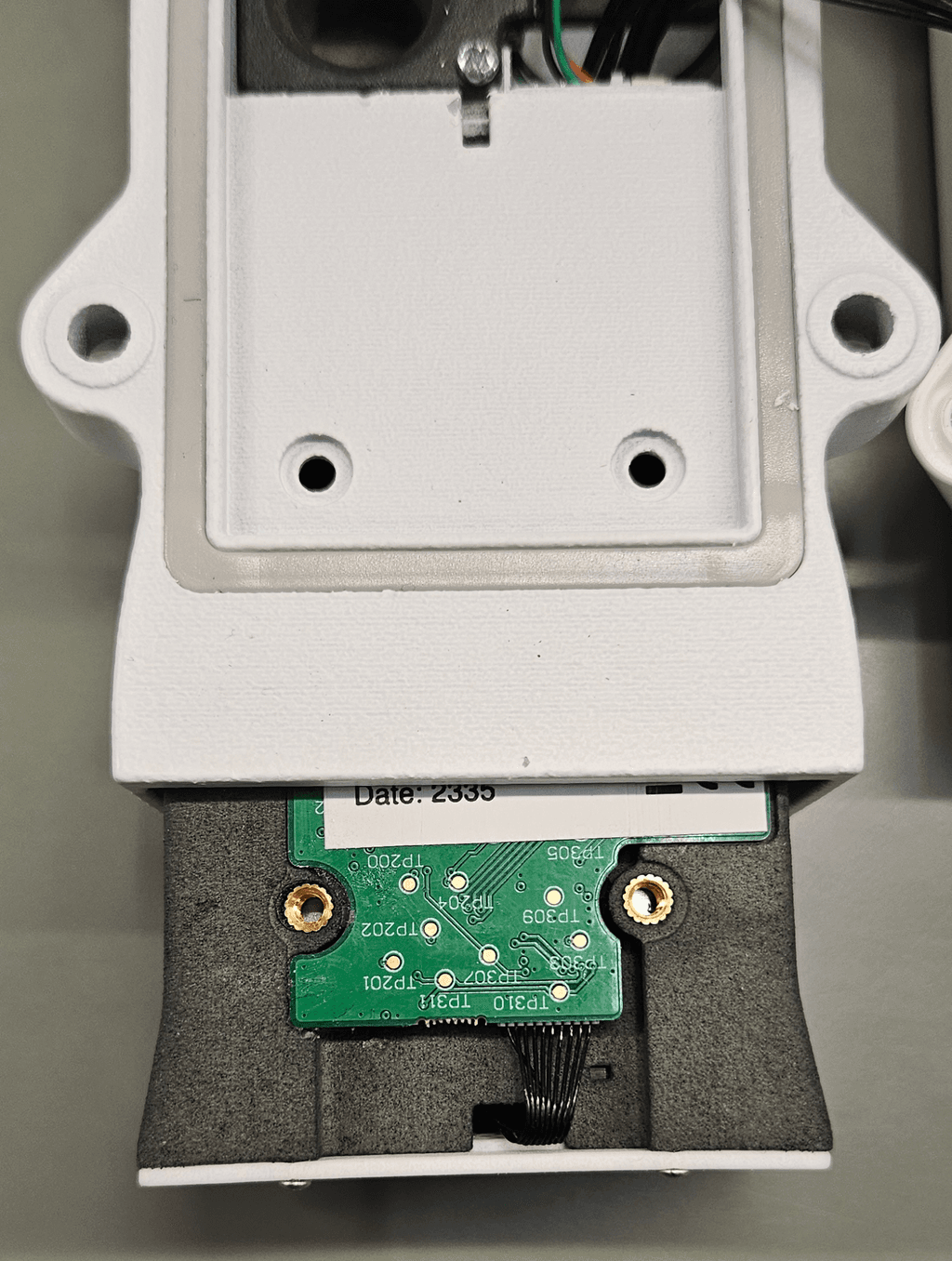
Slide the new module into the slot until the screw holes line up, then secure it with the two small Phillips-head screws.
Refit the sensor house with the PH2 Phillips screwdriver. Double-check the cable between the sensor house and base isn't pinched in the seal.
Lite series — replacing just the particle sensor
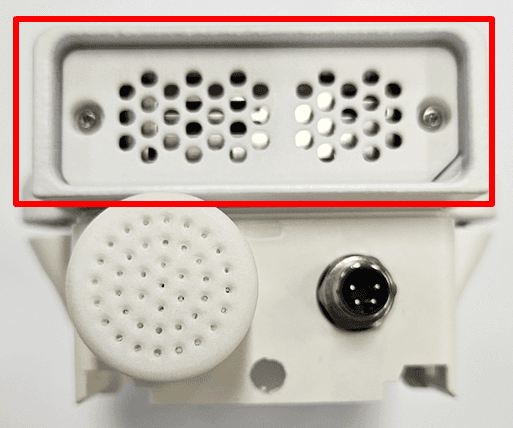
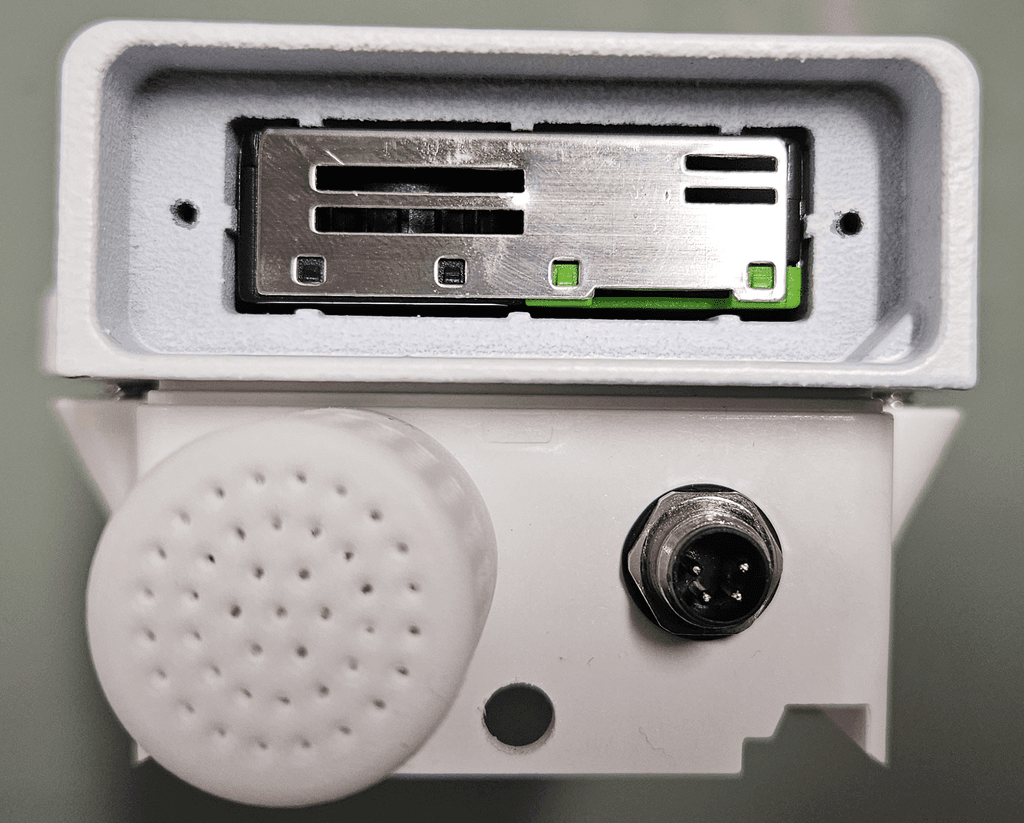
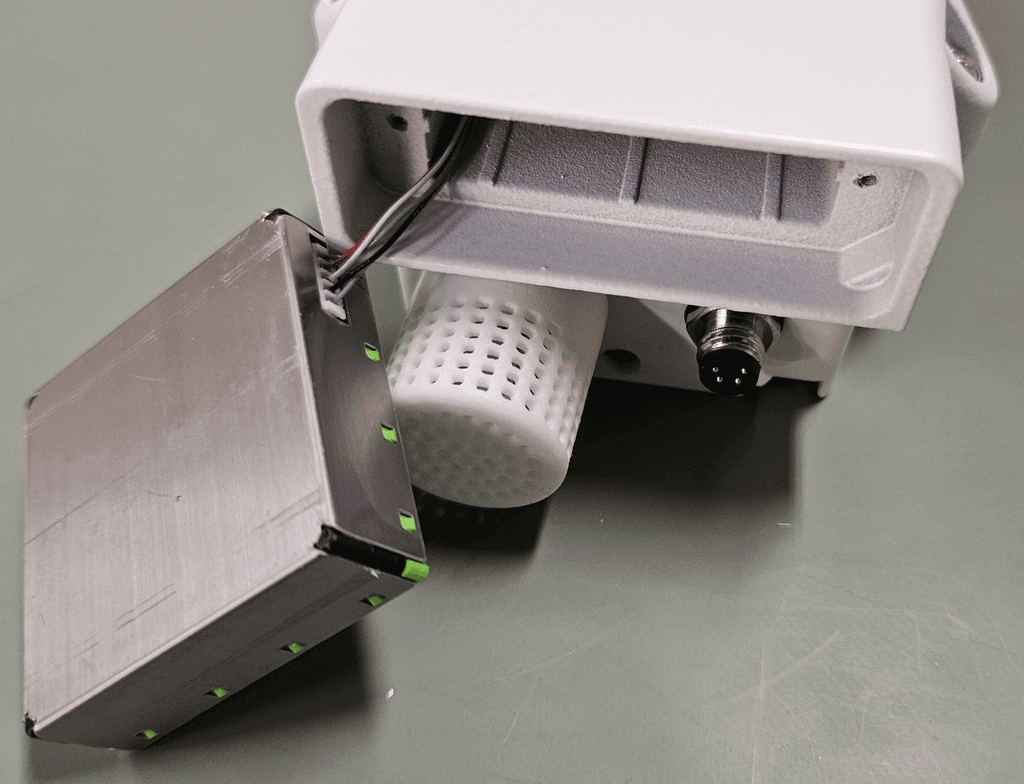
The Lite-series particle sensor sits behind the mesh grille and can be replaced without disturbing the SB3380 dome.
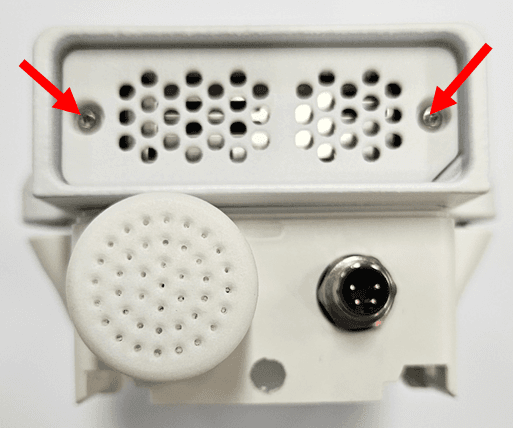
1. Remove the grilleUse a T6 Torx screwdriver to remove the screws holding the grille.
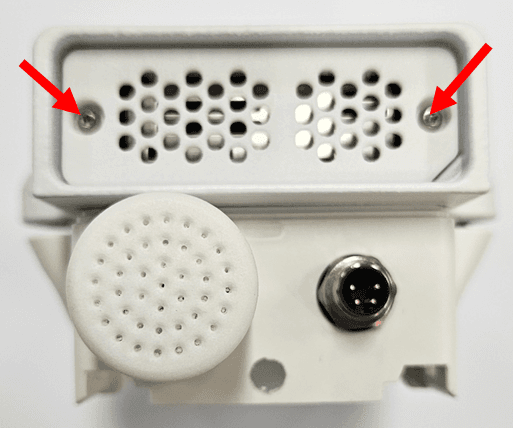
Pull the particle sensor out with tweezers or fine pliers. Fold it to the side to detach the connector. Connect the new sensor and seat it in the same orientation as the old one.
Refit the grille with its screws.