
Calibration
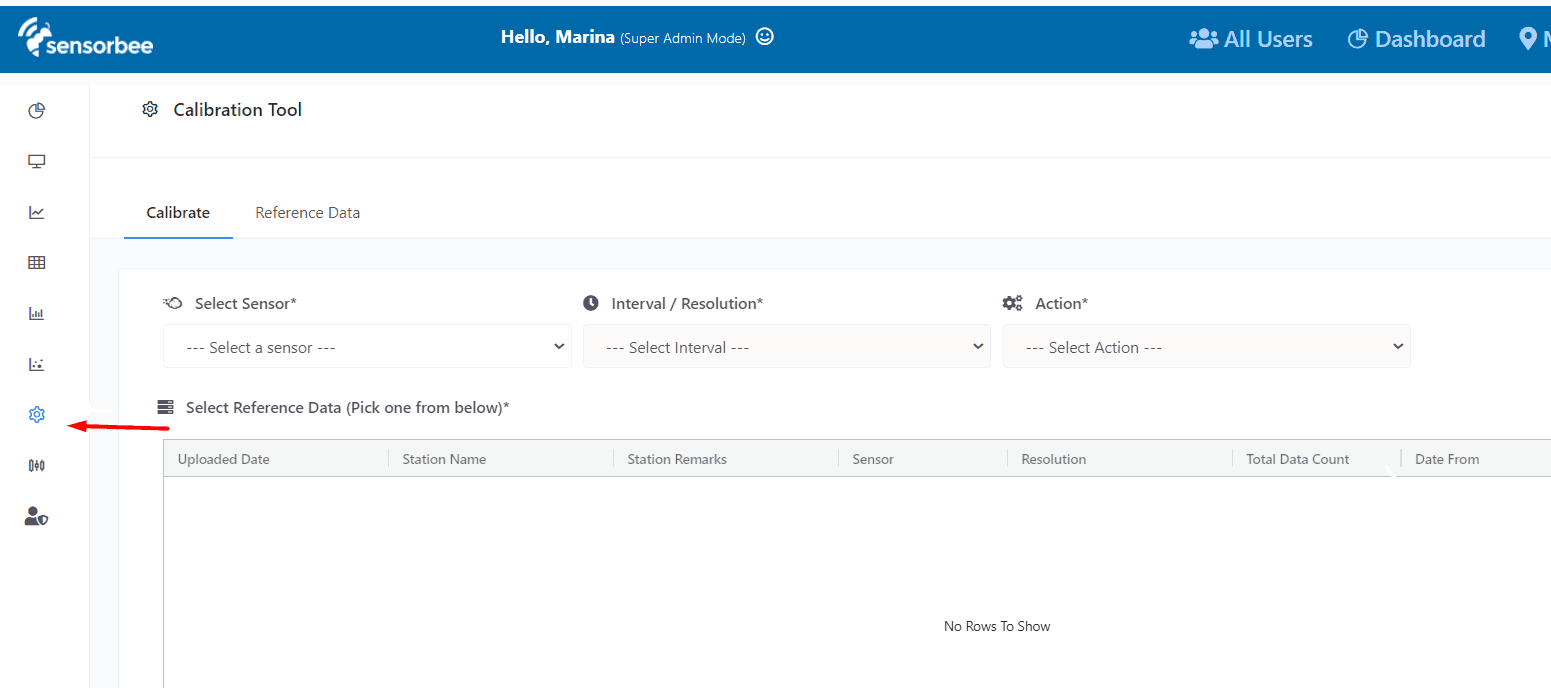
Calibration keeps gas and particle sensor readings honest. The Sensorbee Cloud calibration system runs both baseline and span calibrations: baseline establishes the zero-current reference; span calibrates the sensitivity factor across a meaningful range of values.
The calibration feature is only available on accounts with the Sensorbee Cloud Analytics Package.
How calibration works
A gas sensor is calibrated against two known concentrations:
- A low reference — typically zero gas.
- A high reference — a substantial concentration of the target gas.
The sensor's reported values at these two points are used to derive an offset constant (baseline) and an offset factor (span). Both adjustments together let the sensor track real concentrations across its full operating range, rather than just one anchor point.
Workflow
To calibrate a sensor in the Sensorbee Cloud:
- Upload reference data — provide the data the sensor will be compared against (CSV, XLSX, or XLS from a co-located reference station).
- Calibrate — pick the time periods for the minimum and maximum reference concentrations, and apply the resulting offset and factor.
- R² Correlation — assess how closely the corrected sensor data tracks the reference data, before and after applying calibration.
In this section
For the audit trail of calibrations applied to a specific device, see Calibration Logs.