REST API
The Sensorbee REST API lets you fetch data and update settings on demand. Use it for historical analysis, periodic reporting, dashboards that pull on a schedule, or back-office integrations that don't need real-time pushes.
For real-time forwarding, use the Push API instead.
Test endpoints interactively at api-docs.sensorbee.com.
Authentication
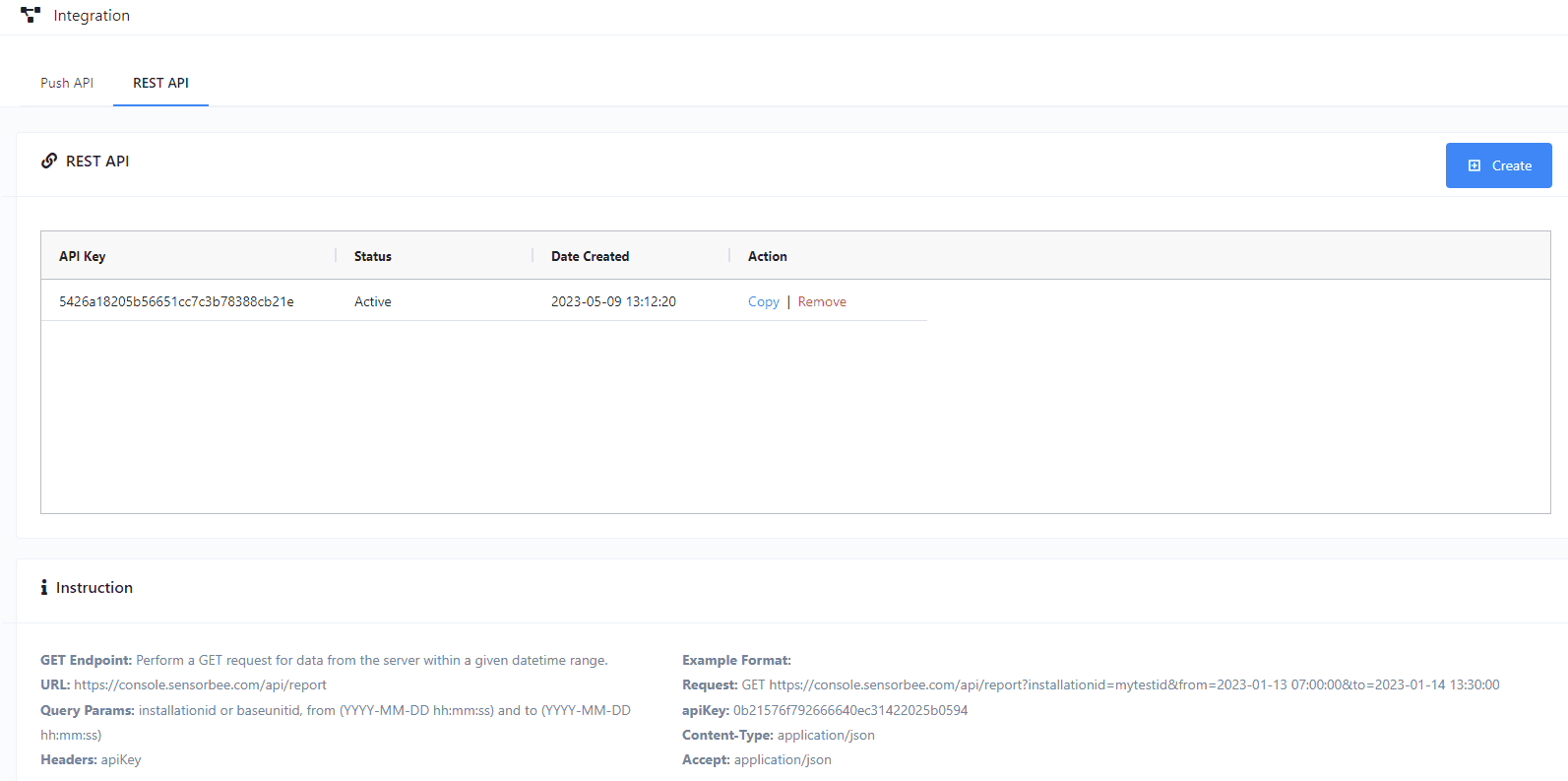
Every request needs an API key, sent in the apiKey HTTP header. Generate the key from the Sensorbee Cloud portal.
Endpoints
GET /report — historical data
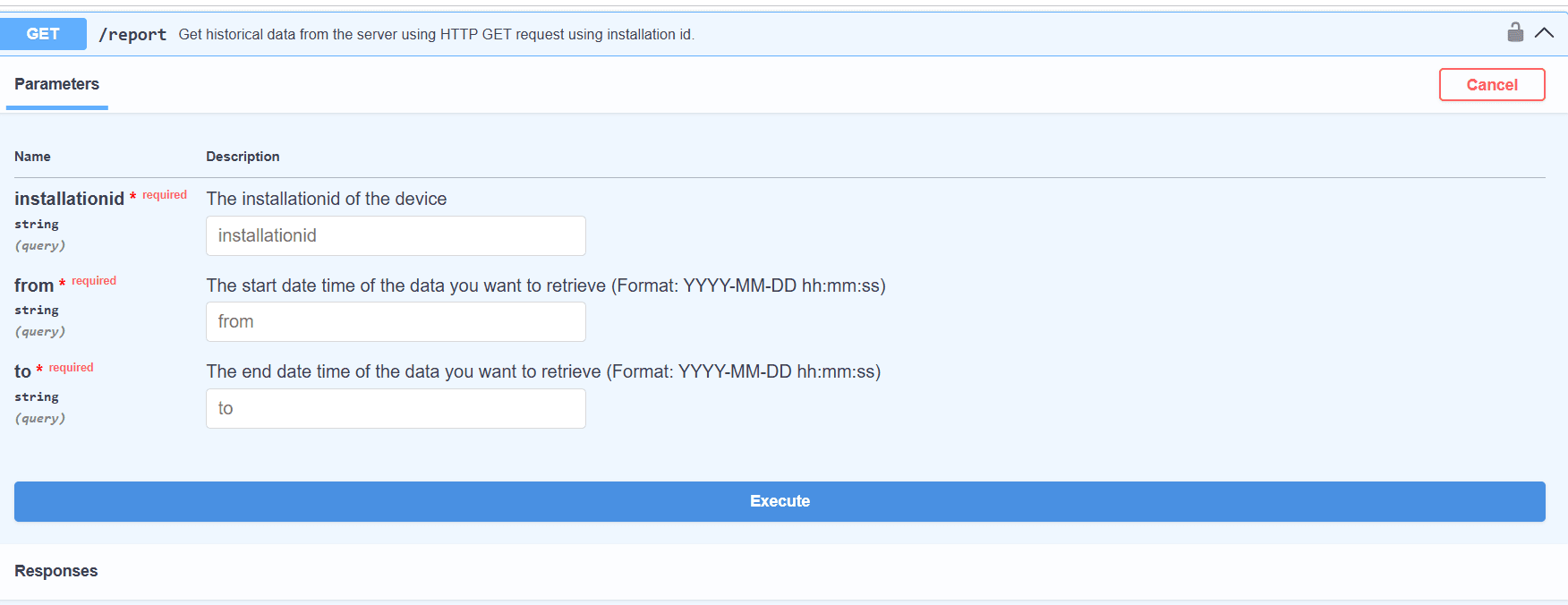
Fetch historical sensor data for a device over a time range.
- ·URL —
https://console.sensorbee.com/api/report - ·Method —
GET - ·Header —
apiKey: <your-api-key>
Query parameters:
| Parameter | Description |
|---|---|
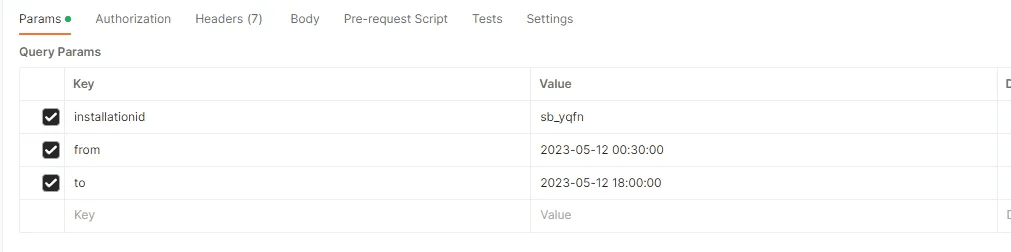
installationid | The installation ID of the device. |
baseunitid | The base-unit ID / device serial. Alternative to installationid. |
from | Start of the time range — YYYY-MM-DD hh:mm:ss. |
to | End of the time range — YYYY-MM-DD hh:mm:ss. |
Returns — JSON in the Smart City Template format.
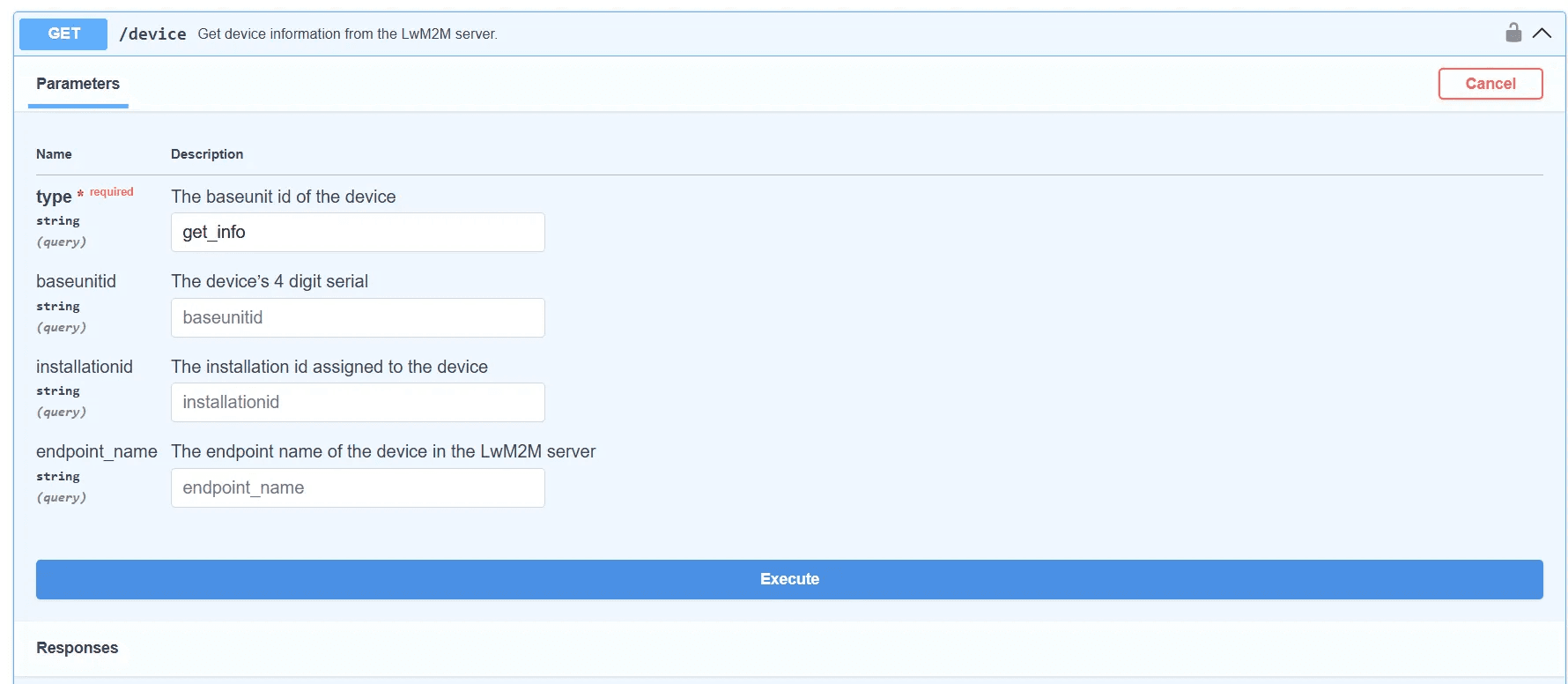
GET /device — device information
Fetch a device's identity, status, and connectivity from the LwM2M server.
- ·URL —
https://console.sensorbee.com/api/device - ·Method —
GET - ·Header —
apiKey: <your-api-key>

Query parameters:
| Parameter | Description |
|---|---|
type | Set to get_info. |
baseunitid | Device 4-digit serial. One of these three identifiers is required. |
installationid | Installation ID assigned to the device. |
endpoint_name | LwM2M endpoint name of the device. |

Returns — JSON containing information, status, and connectivity sections. Example:
POST /polling — update polling interval
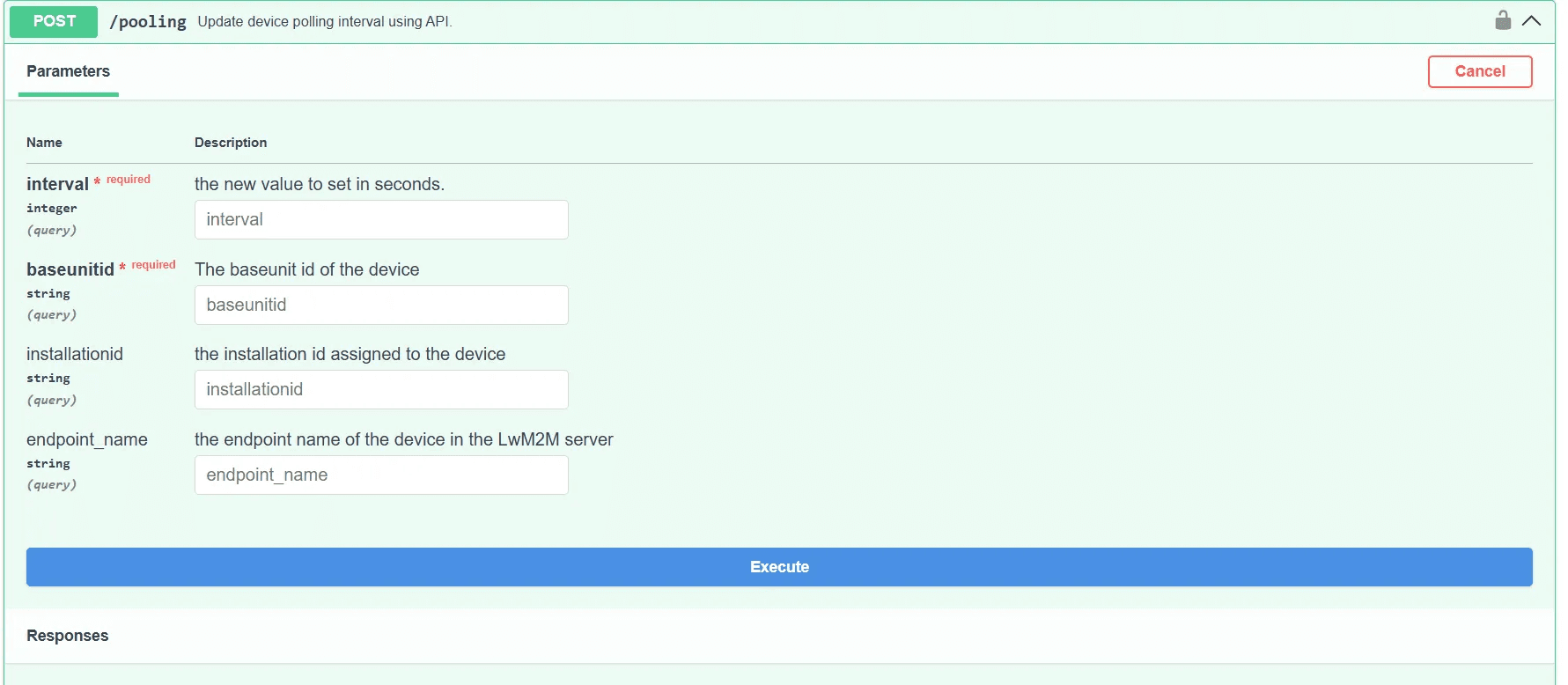
Programmatically change a device's polling interval. The new value takes effect at the next reporting cycle, not immediately.
- ·URL —
https://console.sensorbee.com/api/polling - ·Method —
POST - ·Header —
apiKey: <your-api-key>

Query parameters:
| Parameter | Description |
|---|---|
interval | New polling interval, in seconds. |
baseunitid | Device 4-digit serial. One of these three identifiers is required. |
installationid | Installation ID. |
endpoint_name | LwM2M endpoint name. |
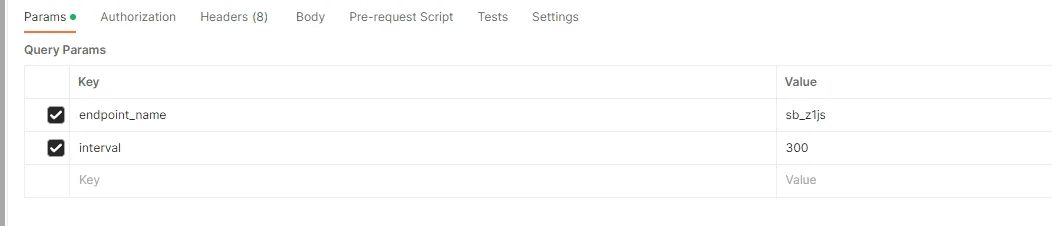
Returns — confirmation that the request was accepted; the change is queued for the next polling cycle: