
Header
The header banner sits at the top of every device sub-tab. It shows the device's serial number, endpoint name, and site, so you always know which device you're looking at regardless of which sub-tab you've clicked into.
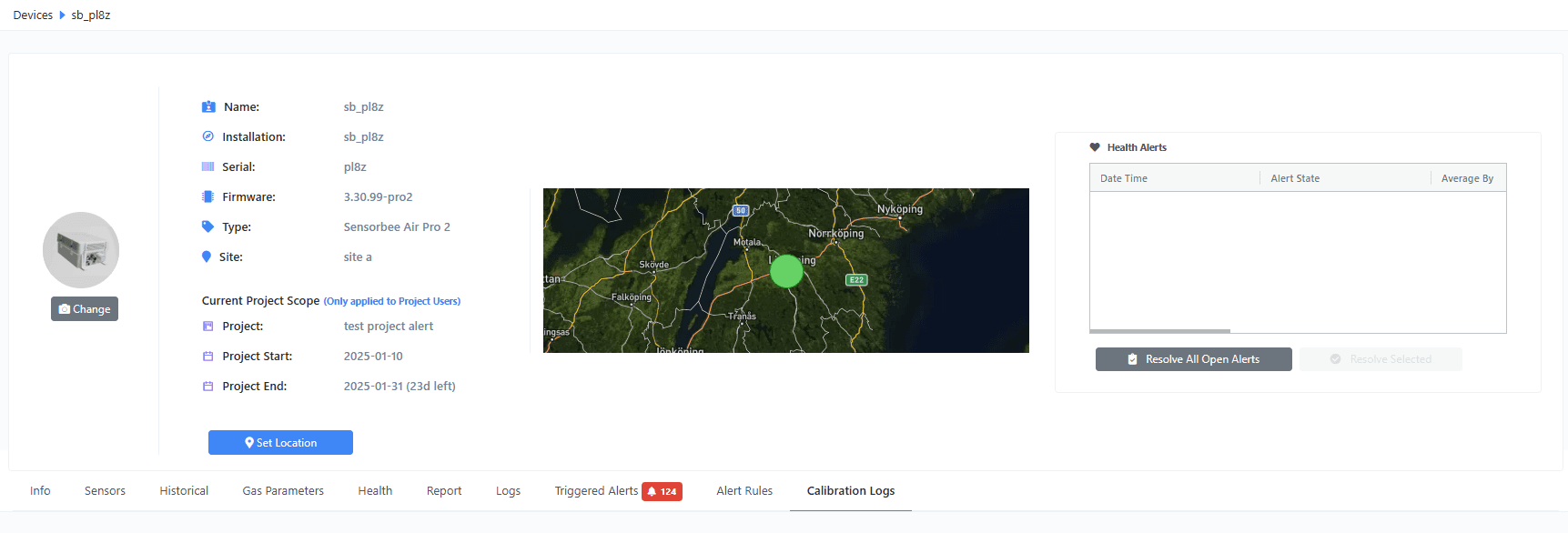
Manually set the GPS location
The GPS button in the header opens a map modal where you can manually override the device's location. This is useful when the unit doesn't have a GPS fix — for example, a fixed-installation mast.
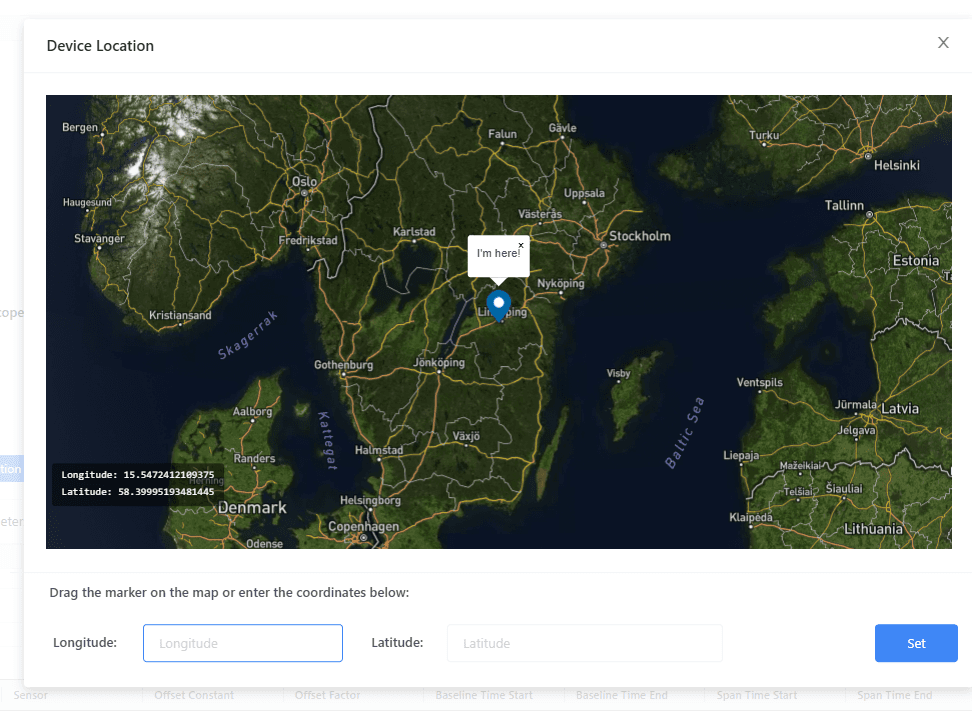
Drag the marker to the correct location and click Set to save. To revert to automatic GPS, use the unset/clear option in the same modal.