
Report
The Report tab generates a CSV-exportable report of every value the device's sensors have reported over a chosen range. The column layout follows the Sensorbee Smart City template — the full column reference lives on the account-wide Report page.
For cross-device reports, use the account-wide Report page instead.
Filters
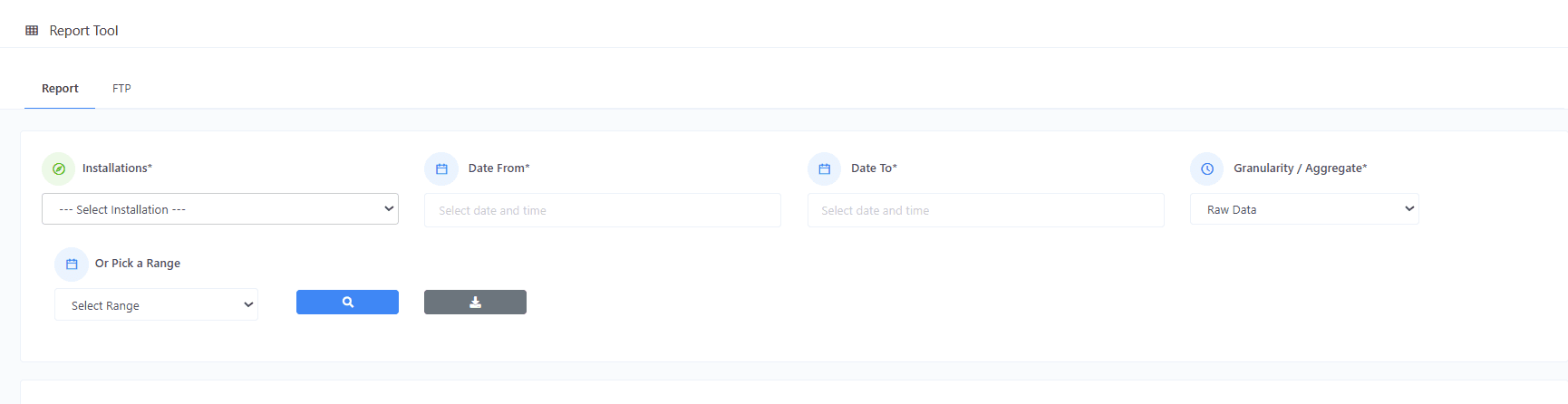
| Filter | Description |
|---|---|
| Date From / Date To | Datetime pickers for a custom range. |
| Range Picker | Quick-pick common ranges. |
| Granularity / Aggregate | Raw per-interval data, or hourly/daily averages. Coarser granularity = smaller reports and quicker loading. |
Result
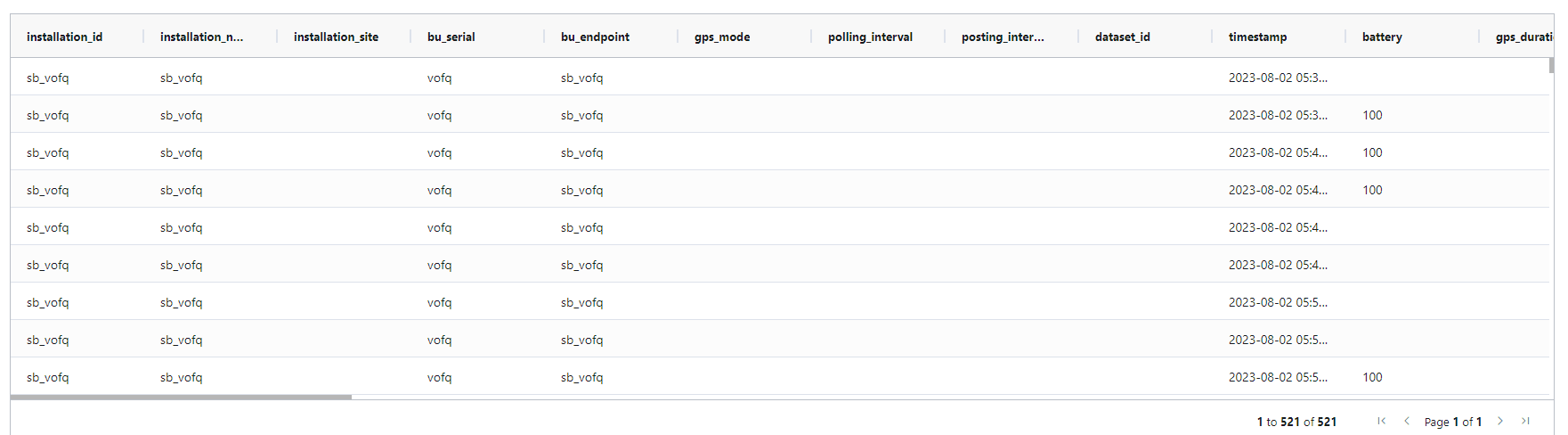
The grid is paginated at 1,000 rows per page. Column order follows the Smart City template — every column exists, but only the columns for sensors fitted to this device are populated. The rest are blank.
Parameter reference
The full Smart City parameter reference — installation metadata, GPS, particulate matter, particle counts, gas values, weather, device health, and so on — lives on the account-wide Report page. The per-device report uses the same template.