
Installing or replacing gas modules
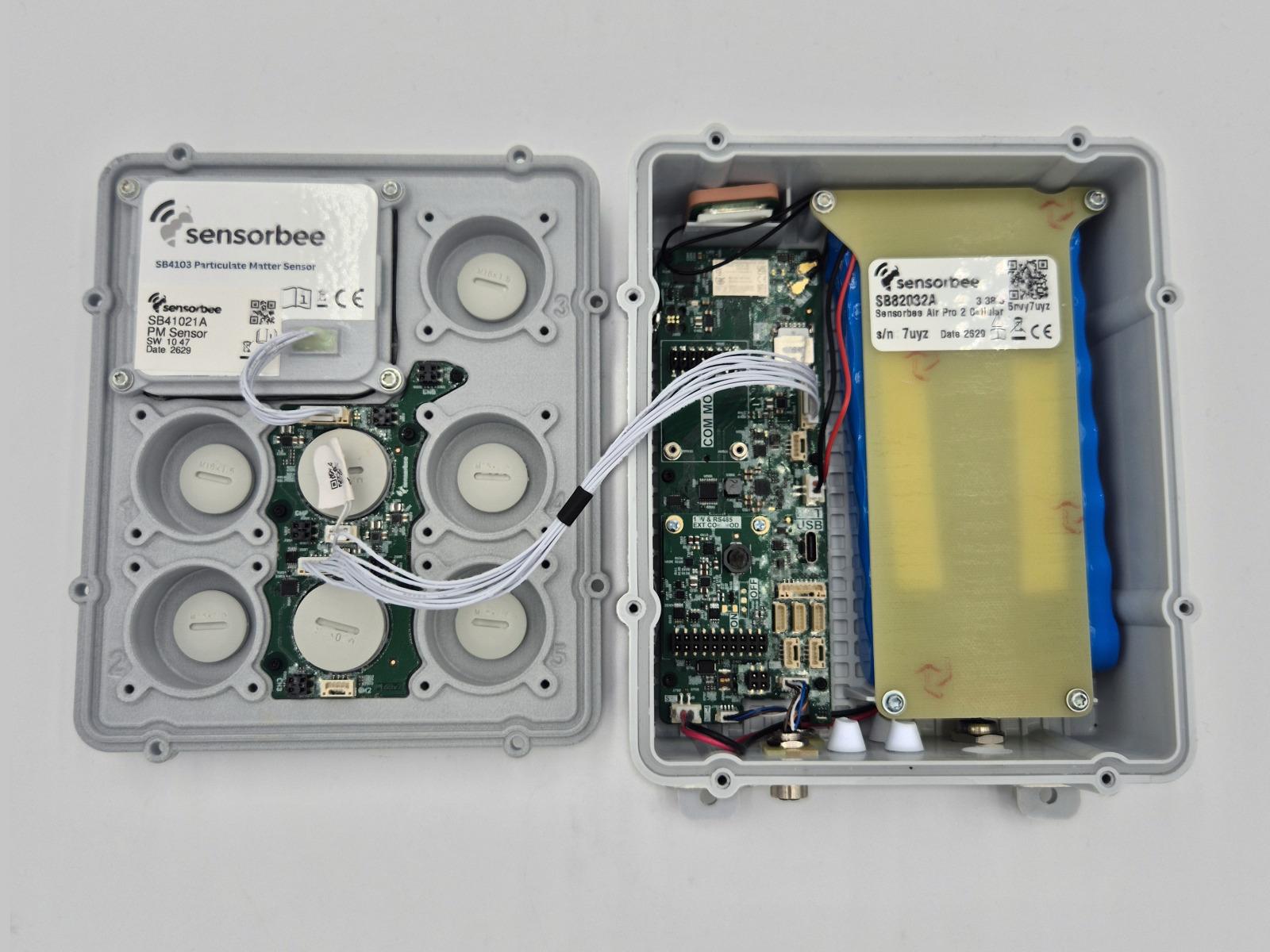
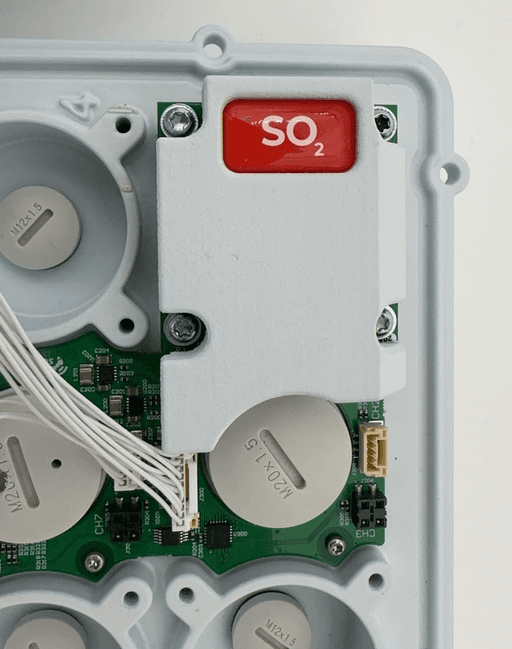
Skip this page if your Pro2 was ordered with gas modules installed at the factory, or if you deploy without gas modules. The sensor house has six bays for gas modules; the PM module and the EnviroSense module are always installed at the factory.
Read the maintenance caution and Screw handling first.
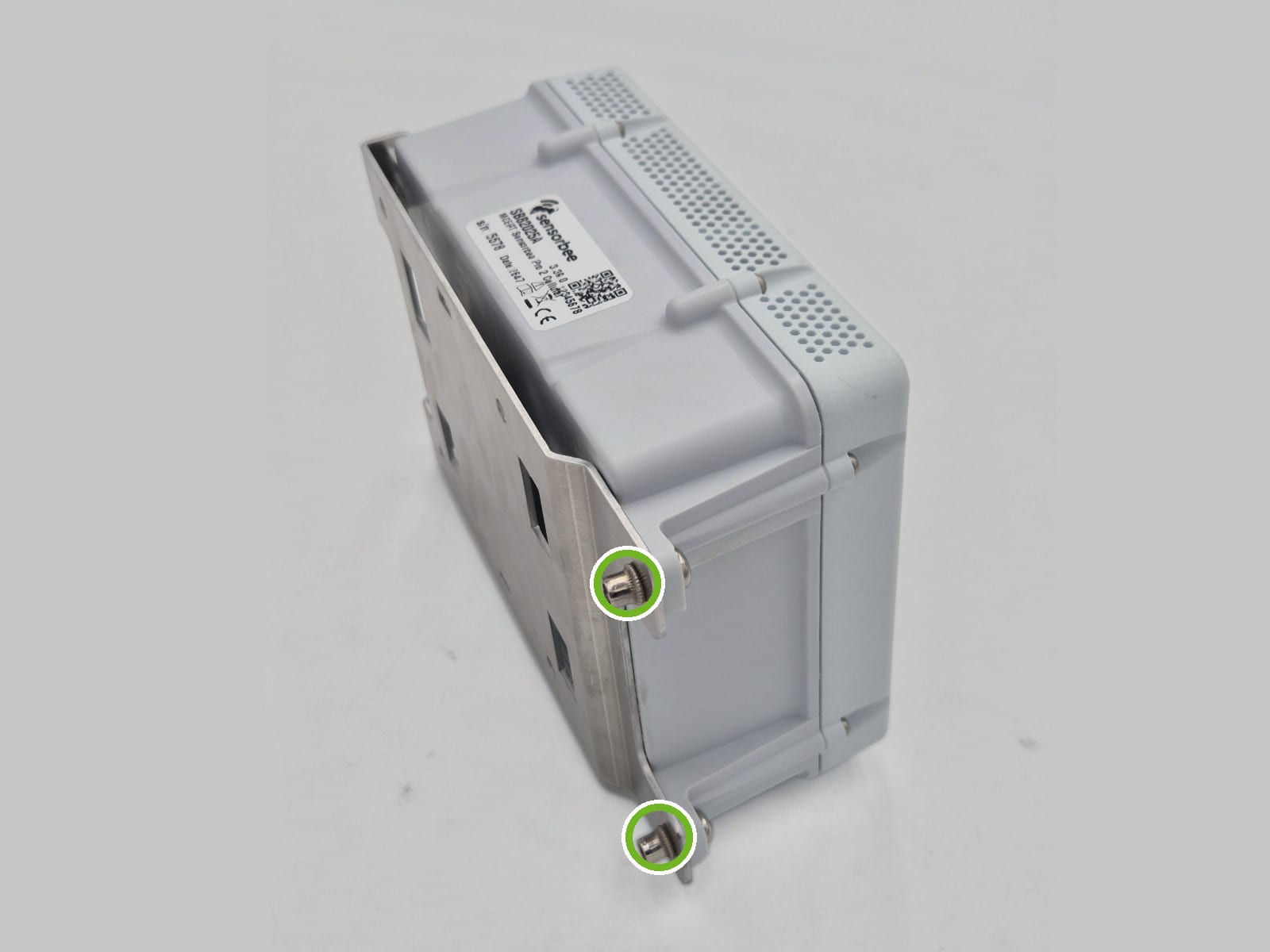
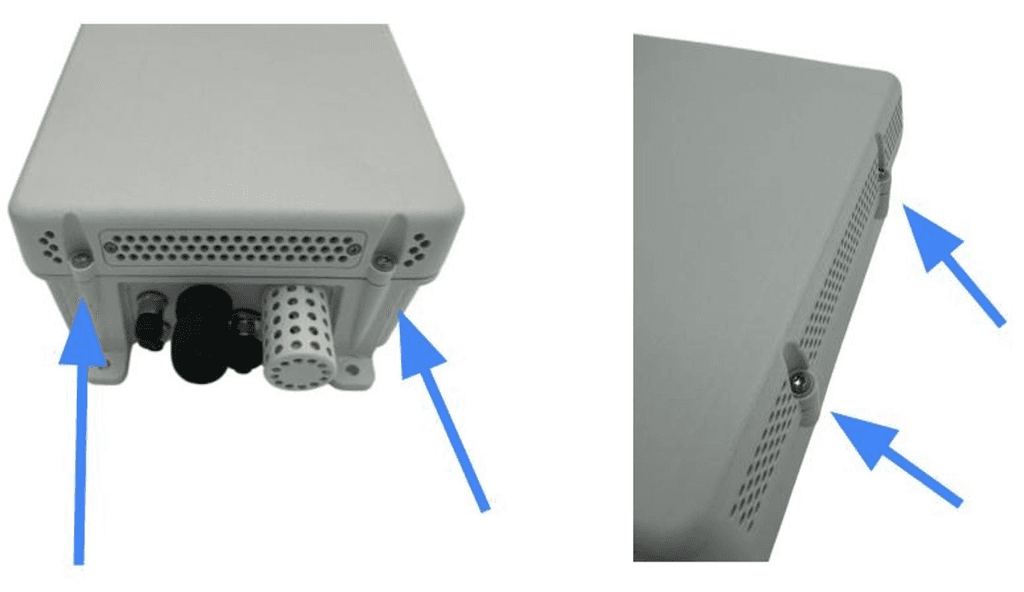
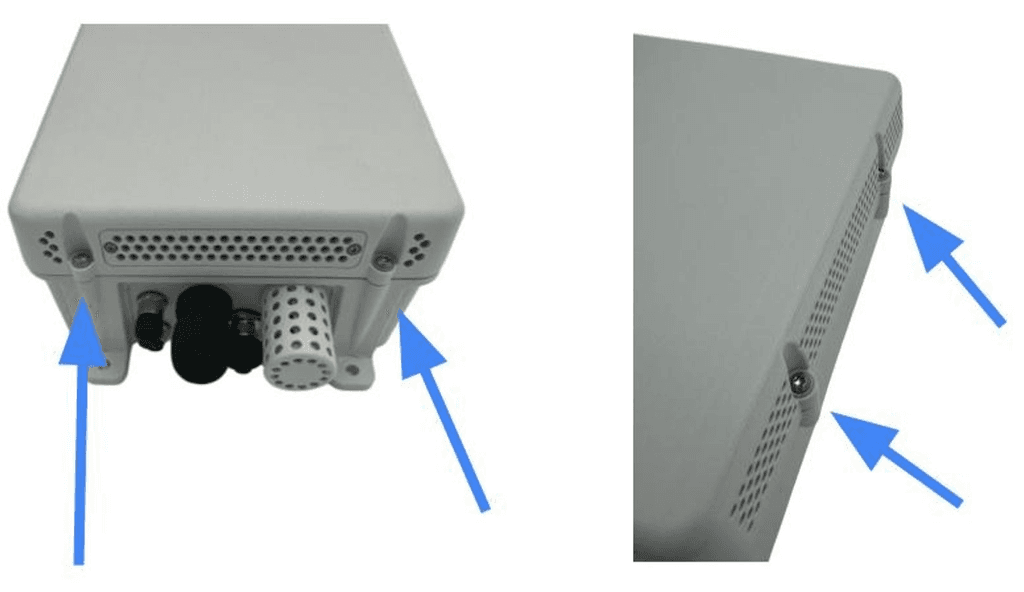
- Open the unit. See Opening and closing the unit.
- New module: push the blanking plug out of the bay with a flat screwdriver. Replacement: hold the edges of the old module with small pliers and lift it out. Do not press a tool against the circuit board.
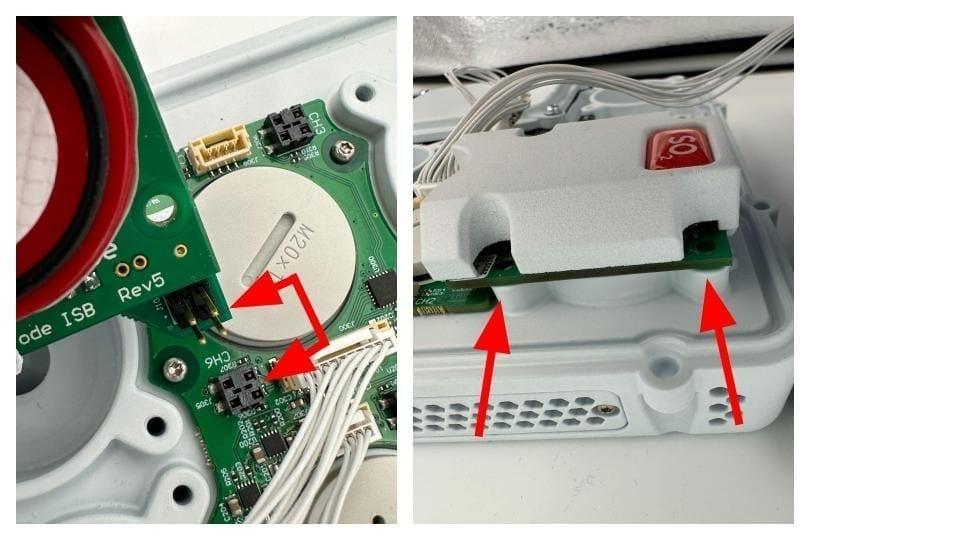
- Align the new module with the screw holes and the four-pin connector. Press it down firmly and tighten its screws.
- Close the unit and switch it on.
- Wait several hours until the sensor is stable. Then check the readings on the platform.
Electrochemical gas sensors need time to become stable after you switch on: several hours in most cases, and longer for a new module. Readings before that are not valid.
When to replace a gas module
Replace a module in any of these cases:
- ·Calibration cannot bring it back inside its specification.
- ·It drifts all the time, or its baseline cannot be correct.
- ·It has reached the operational life given in the catalogue.
Electrochemical sensors also age in storage. Do not buy spare modules a long time before you need them.
Dispose of a used module as described in Disposal. To add a noise module to a unit in the field, contact Sensorbee for instructions.