
Switching on for the first time
Connect a power source. Then press and hold the power button for 2 seconds. For the location of the power button and the status LED, see Parts, connectors and controls. The status LED shows the start sequence:
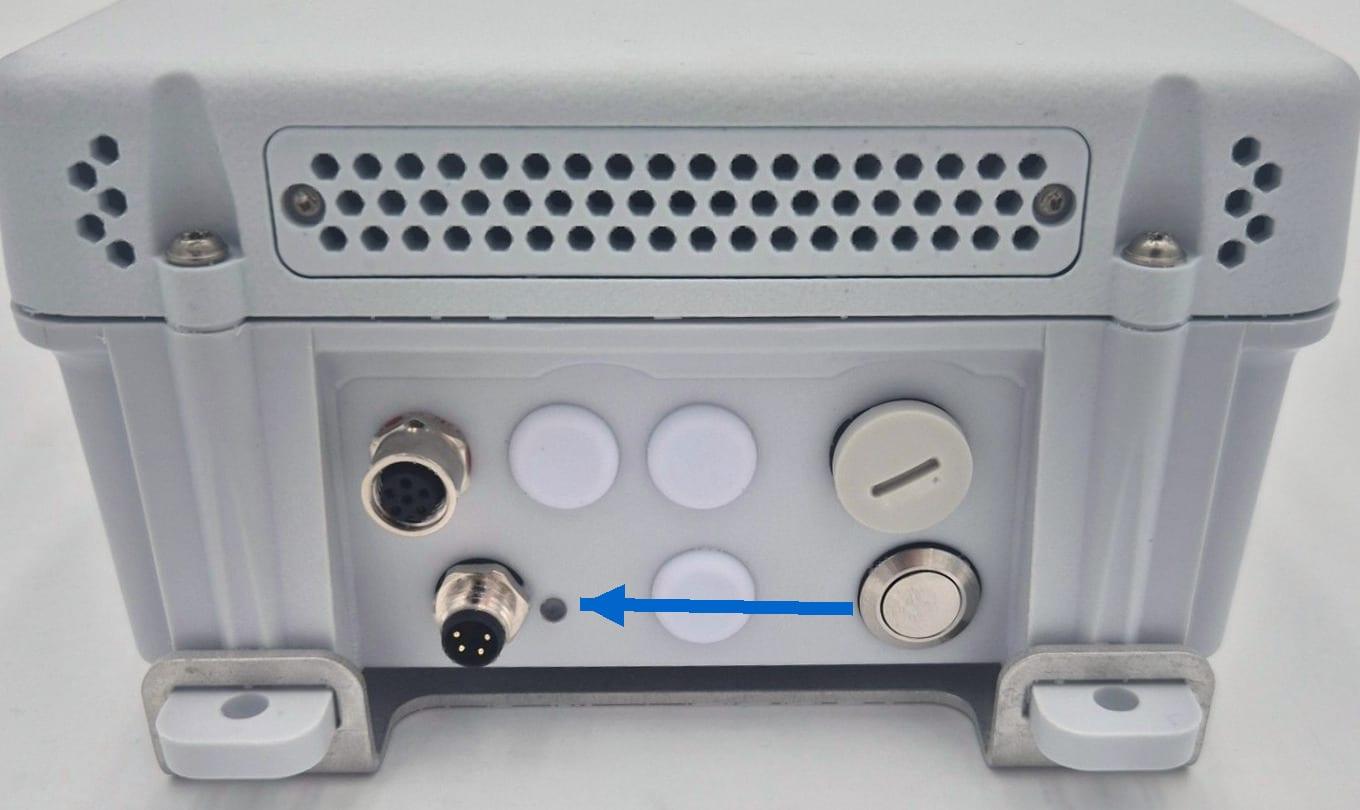
| LED | The unit is |
|---|---|
| Blue, steady | connecting to the mobile network |
| Purple, blinking | connecting to the bootstrap server |
| Purple, steady | connecting to the data server |
| Green for one second | online and registered |
| Off | in normal operation |
- ·A unit that is not paired stays on blinking purple. Pair it as described in Connecting to a data platform.
- ·The first start takes longer than later starts, because the SIM must register with the operator. The same happens after you move the unit to another country or network, or change the SIM.
- ·If the LED does not light: the internal battery can be disconnected (see Replacing the battery). Or the battery is empty and too little power comes in to charge it. A solar panel needs direct sunlight. Indoor light is not enough.
The full colour table is on the Status LED page. When the unit is online, continue with Commissioning.